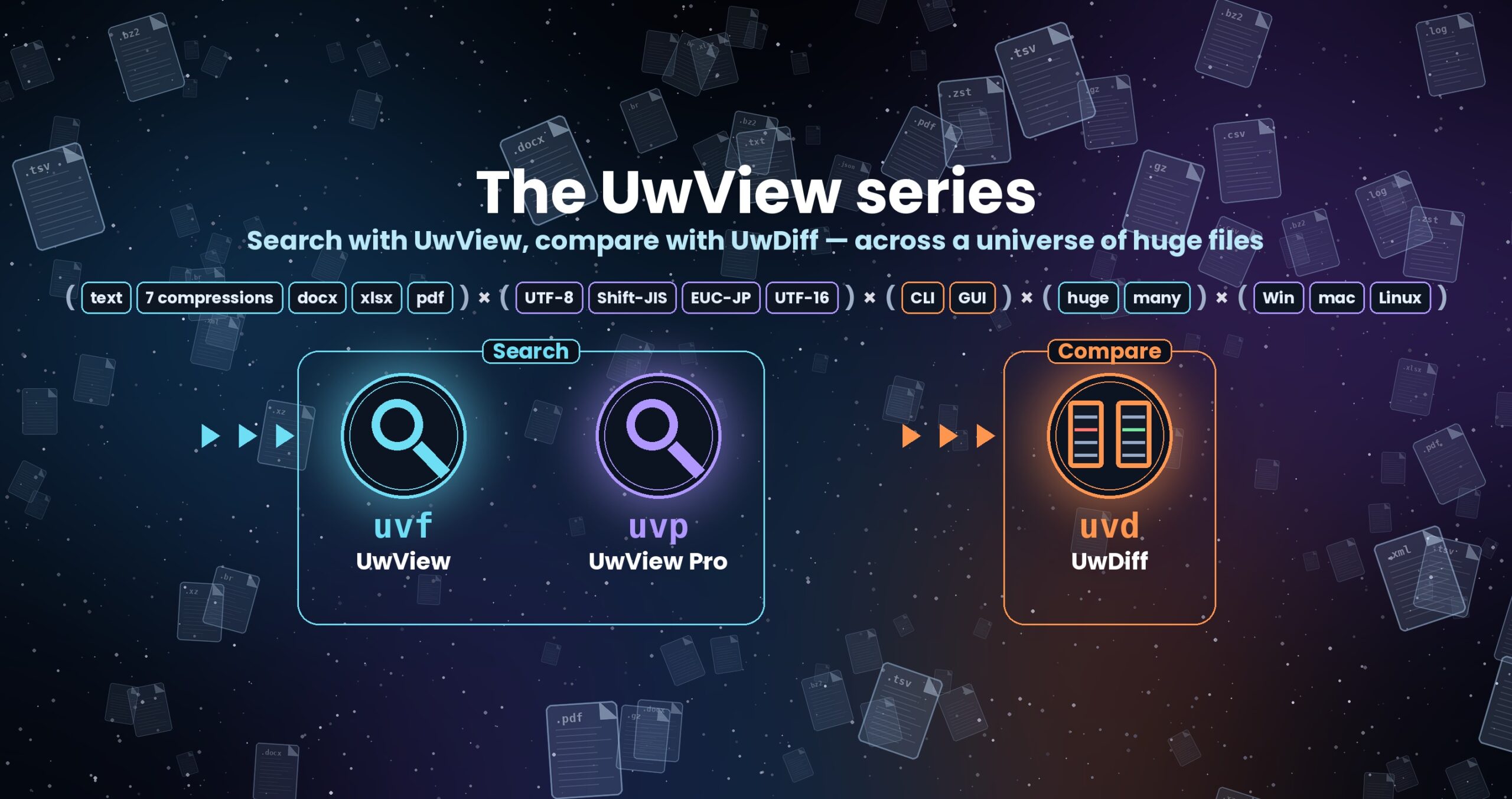
The UwView series — search with UwView, compare with UwDiff
Compare two files or two folders with UwDiff; open and search huge files with UwView. Both run on Windows, macOS and Linux. → UwView download
Download UwDiff
UwDiff is distributed on GitHub at amru195704/UwDiff. One package contains both the GUI (UwDiff) and the CLI (uvd).
[Back to UwDiff]
The current version is v1.0.0 “First Light” (25 October 2026).
From GitHub Releases
Get the package for your OS from Assets on the latest GitHub release (v1.0.0 release notes).
| Package | OS | How to install |
|---|---|---|
UwDiff-1.0.0-mac-arm64.dmg, UwDiff-1.0.0-mac-x64.dmg |
macOS (Apple Silicon, Intel) | Open it and drag UwDiff to Applications. The CLI is UwDiff.app/Contents/MacOS/uvd |
UwDiff-1.0.0-win-x64.zip, UwDiff-1.0.0-win-arm64.zip |
Windows (x64, ARM64) | Extract anywhere. UwDiff.exe and uvd.exe are side by side |
UwDiff-1.0.0-linux-x86_64.tar.gz, UwDiff-1.0.0-linux-aarch64.tar.gz |
Linux (x86_64, ARM64) | Extract anywhere. UwDiff (GUI) and uvd (CLI) are side by side |
Direct download from this site
For environments where GitHub is not available (the files are the same as on Releases). latest always holds the newest version, and the file names carry no version number, so scripts can use fixed URLs.
| OS | File |
|---|---|
| macOS (Apple Silicon) | UwDiff-mac-arm64.dmg (87.2 MB) |
| macOS (Intel) | UwDiff-mac-x64.dmg (90.3 MB) |
| Windows (x64) | UwDiff-win-x64.zip (82.2 MB) |
| Windows (ARM64) | UwDiff-win-arm64.zip (79.1 MB) |
| Linux (x86_64) | UwDiff-linux-x86_64.tar.gz (80.0 MB) |
| Linux (ARM64) | UwDiff-linux-aarch64.tar.gz (76.2 MB) |
SHA256 (tamper check): compare with SHA256SUMS (on GitHub Releases: SHA256SUMS-1.0.0.txt) (macOS / Linux: shasum -a 256 <file>; Windows: certutil -hashfile <file> SHA256). The version currently in place is in VERSION.
Values for v1.0.0:
680b083ca606a2121e58d230033504323da8231c48aaf5f9593eb4f43be9ba21  UwDiff-1.0.0-mac-arm64.dmg
efe4857c701dc6acd5d0c86f170f180b9c996fa8f9b1fe4b3c6e6078a70f8208  UwDiff-1.0.0-mac-x64.dmg
d366e45ab291cd95e9fa8d0bf27f211eeb065bcbd8c1bc9bbffb226c428964f1  UwDiff-1.0.0-win-x64.zip
03f1cf1320d51bf448f99d8df4d975f9d46a83ae12e2d06e06a86e6b14c136f4  UwDiff-1.0.0-win-arm64.zip
83df81bd7e8cd71a7f4df606c6ffc1f650c5e5a1f2ab16e3db009029fa4e84d5  UwDiff-1.0.0-linux-x86_64.tar.gz
422f93cff58aa5bc64b4925bf35a9fe52f1db4ffc5d47d40d984cdae71f5c145  UwDiff-1.0.0-linux-aarch64.tar.gz
No separate .NET installation is needed.
Using the CLI from anywhere
- In the GUI, Help → Command Line Setup… makes
uvdavailable by name in a terminal (a link in/usr/local/binon macOS and Linux, your user PATH on Windows). - To do it by hand, add the folder containing
uvdto PATH or create a link (macOS example:ln -s /Applications/UwDiff.app/Contents/MacOS/uvd /usr/local/bin/uvd).
Building from source
Requires the .NET 10 SDK.
git clone https://github.com/amru195704/UwDiff.git
cd UwDiff
dotnet build -c Release
src/Uvd.Cli/bin/Release/net10.0/uvd -h          # CLI
dotnet run -c Release --project src/UwDiff.App  # GUI
License
UwDiff License (PolyForm Internal Use 1.0.0 plus a permission to redistribute the official binaries as packages).
- Free for internal use by individuals and companies. Redistribution, bundling, resale and offering to third parties require a separate commercial (redistribution) license.
- The official, unmodified binary releases may be redistributed free of charge as packages (Flathub, Snap, AUR, Linux distribution repositories, Homebrew, Scoop, winget and so on). The conditions are in the “Additional Permission” section of the LICENSE. Builds from source and modified binaries are not covered.
- UwDiff is not open-source software.
- Bundled components are listed in THIRD-PARTY-NOTICES.md.
Help
Bug reports, requests and commercial licensing: GitHub Issues.
From the developer: a list of my apps, Kindle books and public projects is on GitHub: amru195704.