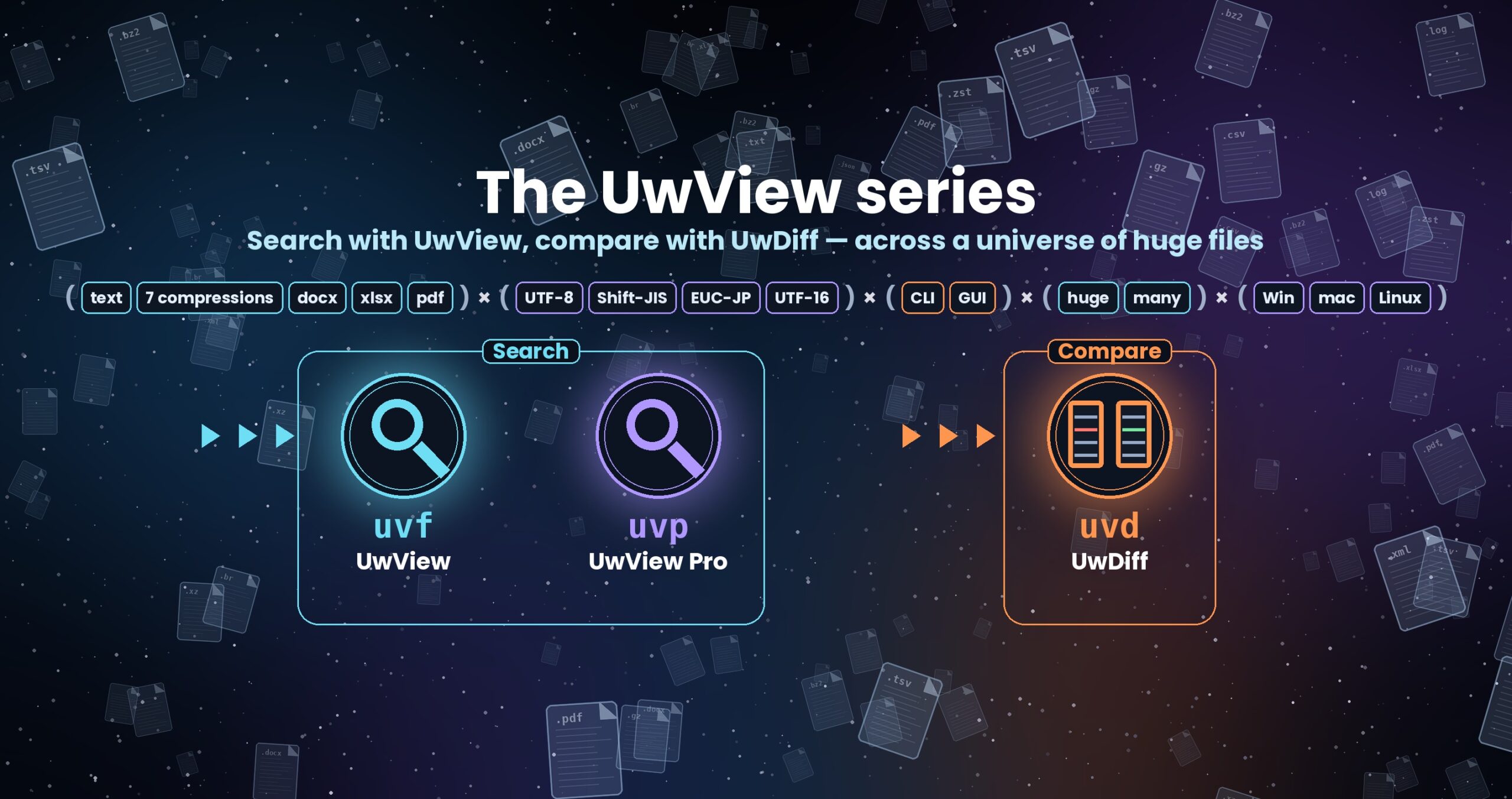
The UwView series — search with UwView, compare with UwDiff
Compare two files or two folders with UwDiff; open and search huge files with UwView. Both run on Windows, macOS and Linux. → UwView download
Download UwDiff
UwDiff is distributed on GitHub at amru195704/UwDiff. One package contains both the GUI (UwDiff) and the CLI (uvd).
[Back to UwDiff]
The current version is v1.0.0 “First Light” (25 October 2026).
Install with a package manager (recommended; this also gives you the uvd command)
# Mac (Homebrew)
brew install --cask amru195704/uwview/uwdiff
# Windows (Scoop)
scoop bucket add uwview https://github.com/amru195704/scoop-uwview   # skip if already added
scoop install uwdiff
If Scoop is not installed yet on Windows (first time only)
Run these in PowerShell, not Command Prompt. Search the Start menu for “PowerShell” and open it as a normal user (not as administrator). The prompt starts with PS C:\Users\...> in PowerShell.
Set-ExecutionPolicy -ExecutionPolicy RemoteSigned -Scope CurrentUser   # answer Y if asked
Invoke-RestMethod -Uri https://get.scoop.sh | Invoke-Expression        # installs Scoop
scoop install git                                                        # adding a bucket needs git
Then run scoop bucket add … and scoop install uwdiff above. If Set-ExecutionPolicy is “not recognized”, you are in Command Prompt.
# Linux (Snap Store, Ubuntu and others)
sudo snap install uwdiff
sudo snap alias uwdiff.uvd uvd      # use the command as uvd (once)
Homebrew and Scoop come from the same places as UwView (homebrew-uwview, scoop-uwview); the official files are downloaded from GitHub Releases and their SHA256 is checked. Update with brew upgrade --cask uwdiff / scoop update uwdiff (the snap updates itself). The snap is built from the same Releases files.
Note on the snap: by Snap rules it can only read files inside your home folder. To read USB and other external drives (/media, /mnt), run sudo snap connect uwdiff:removable-media once.
From GitHub Releases
Get the package for your OS from Assets on the latest GitHub release (v1.0.0 release notes).
| Package | OS | How to install |
|---|---|---|
UwDiff-1.0.0-mac-arm64.dmg, UwDiff-1.0.0-mac-x64.dmg |
macOS (Apple Silicon, Intel) | Open it and drag UwDiff to Applications. The CLI is UwDiff.app/Contents/MacOS/uvd |
UwDiff-1.0.0-win-x64.zip, UwDiff-1.0.0-win-arm64.zip |
Windows (x64, ARM64) | Extract anywhere. UwDiff.exe and uvd.exe are side by side |
UwDiff-1.0.0-linux-x86_64.tar.gz, UwDiff-1.0.0-linux-aarch64.tar.gz |
Linux (x86_64, ARM64) | Extract anywhere. UwDiff (GUI) and uvd (CLI) are side by side |
Direct download from this site
For environments where GitHub is not available (the files are the same as on Releases). latest always holds the newest version, and the file names carry no version number, so scripts can use fixed URLs.
| OS | File |
|---|---|
| macOS (Apple Silicon) | UwDiff-mac-arm64.dmg (86.1 MB) |
| macOS (Intel) | UwDiff-mac-x64.dmg (90.4 MB) |
| Windows (x64) | UwDiff-win-x64.zip (82.3 MB) |
| Windows (ARM64) | UwDiff-win-arm64.zip (79.2 MB) |
| Linux (x86_64) | UwDiff-linux-x86_64.tar.gz (80.1 MB) |
| Linux (ARM64) | UwDiff-linux-aarch64.tar.gz (76.2 MB) |
SHA256 (tamper check): compare with SHA256SUMS (on GitHub Releases: SHA256SUMS-1.0.0.txt) (macOS / Linux: shasum -a 256 <file>; Windows: certutil -hashfile <file> SHA256). The version currently in place is in VERSION.
Values for v1.0.0:
084d6723714596e3299e5ad29d99c9546531913a1f566f638c3f76de7690fd3b  UwDiff-1.0.0-mac-arm64.dmg
849d0d39f75036e5f8a82e839db9988c48ba4986d923a39fc705ee07febfc354  UwDiff-1.0.0-mac-x64.dmg
2d7fc0efe2d702287c0172db2bec4c83f21c89c34285de14d58dc33466d5226e  UwDiff-1.0.0-win-x64.zip
667ea7d8babc904e36c40e9319b77fc55957b01ac201b41c5c881fd72446d957  UwDiff-1.0.0-win-arm64.zip
c4269971f64942667f6e7562f4de323394f2f97afeaaa2bfe81440c2ff20d651  UwDiff-1.0.0-linux-x86_64.tar.gz
e398f61db6c97b1dd237cb93bbf495e774845d94b01790767d4438485a194ac5  UwDiff-1.0.0-linux-aarch64.tar.gz
No separate .NET installation is needed.
Using the CLI from anywhere
- In the GUI, Help → Command Line Setup… makes
uvdavailable by name in a terminal (a link in/usr/local/binon macOS and Linux, your user PATH on Windows). - To do it by hand, add the folder containing
uvdto PATH or create a link (macOS example:ln -s /Applications/UwDiff.app/Contents/MacOS/uvd /usr/local/bin/uvd).
Building from source
Requires the .NET 10 SDK.
git clone https://github.com/amru195704/UwDiff.git
cd UwDiff
dotnet build -c Release
src/Uvd.Cli/bin/Release/net10.0/uvd -h          # CLI
dotnet run -c Release --project src/UwDiff.App  # GUI
License
UwDiff License (PolyForm Internal Use 1.0.0 plus a permission to redistribute the official binaries as packages).
- Free for internal use by individuals and companies. Redistribution, bundling, resale and offering to third parties require a separate commercial (redistribution) license.
- The official, unmodified binary releases may be redistributed free of charge as packages (Flathub, Snap, AUR, Linux distribution repositories, Homebrew, Scoop, winget and so on). The conditions are in the “Additional Permission” section of the LICENSE. Builds from source and modified binaries are not covered.
- UwDiff is not open-source software.
- Bundled components are listed in THIRD-PARTY-NOTICES.md.
Help
Bug reports, requests and commercial licensing: GitHub Issues.
From the developer: a list of my apps, Kindle books and public projects is on GitHub: amru195704.