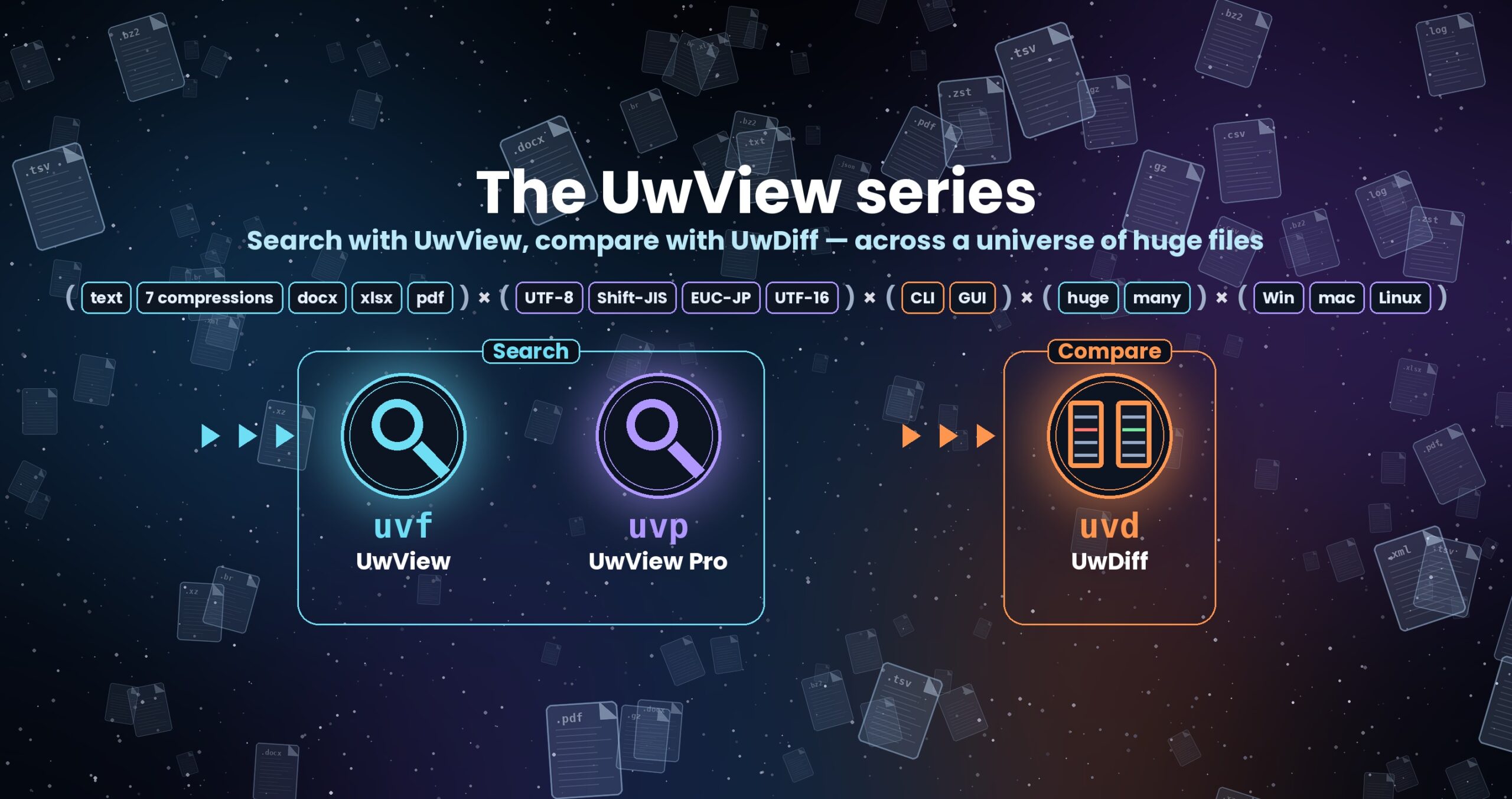
The UwView series — search with UwView, compare with UwDiff
Compare two files or two folders with UwDiff; open and search huge files with UwView. Both run on Windows, macOS and Linux. → UwView user guide (GUI) / UwView uvf command manual
UwDiff User Manual (1.0.0)
This page has the same content as the user manual on GitHub (docs/manual.en.md). When a new version comes out, GitHub is updated first.
[Back to UwDiff]
UwDiff is a tool that compares two files (or two folders) and shows what changed — regardless of format
(text, CSV, TSV, compressed files, Word, Excel, PDF), character encoding (UTF-8, Shift-JIS/CP932, EUC-JP, UTF-16),
size (10 GB per file and more) or number of files (folders with thousands of files).
The GUI (UwDiff) and the CLI (uvd) use the same comparison engine.
1. Installation
| OS | Package | How to install |
|---|---|---|
| macOS (Apple Silicon, Intel) | UwDiff-<ver>-mac-<arm64 or x64>.dmg |
Open it and drag UwDiff to Applications. The CLI is UwDiff.app/Contents/MacOS/uvd |
| Linux (x86_64, aarch64) | UwDiff-<ver>-linux-<arch>.tar.gz |
Extract anywhere. UwDiff (GUI) and uvd (CLI) are side by side |
| Windows (x64, ARM64) | UwDiff-<ver>-win-<arch>.zip |
Extract anywhere. UwDiff.exe and uvd.exe are side by side |
No separate .NET installation is needed. To use the CLI from anywhere, add its folder to PATH or create a link
(macOS example: ln -s /Applications/UwDiff.app/Contents/MacOS/uvd /usr/local/bin/uvd).
2. GUI (UwDiff)
- Put a file or folder in “旧” (old) and “新” (new) — use the “ファイル…” / “フォルダ…” buttons or drop files on the window (dropping two files fills both).
- Choose how to compare:
- Enter key columns (e.g.
点名, or点名,種別for several) to compare as tables (CSV, TSV, Excel). Leave it empty to compare as text. - “Ignore amount of whitespace”, “Ignore all whitespace” and “Ignore case” apply to text comparison.
- “Ignore order” compares which lines were added or removed, regardless of their order.
- When both old and new are folders, enter specifications in “Include” (right of the old row) and “Exclude” (right of the new row), e.g.
**/*.csv,**/*.logand.git,*.tmp— the same as-include/-excludein the CLI, with the same syntax as UwView’s uvf (see 3-5). They are disabled for files. - Click “比べる” (Compare). Each result opens in a tab.
Menus, language and command line: on macOS the menu bar has UwDiff, File and Help; on Windows and Linux the same menus are at the top of the window
(Settings and About are inside File / Help). File: Open Old… (⌘O), Open New…, Compare (⌘Enter), Command Line… (⇧⌘K), Open Result… (a folder written by
uvd -result / -open), Close (⌘W), Close All. Help: How to Use, What’s New, Contact, GitHub, Command Line Setup….
Language: switch between Japanese and English in Settings… (open tabs switch immediately; the choice is remembered; the first default follows the OS). CLI output stays Japanese.
Command Line… runs uvd with the arguments you type and opens comparison results in a new tab (same as uvd … -open).
Command Line Setup… makes uvd available by name in a terminal (a link in /usr/local/bin on macOS / Linux, your user PATH on Windows).
Hover over buttons and fields to see tooltips.
Text results: old on the left, new on the right; removed lines red, added lines green, and changed lines side by side with
the changed characters highlighted. “Changes only” folds unchanged runs (keeping 3 lines of context).
Previous / next change: buttons or F7 / Shift+F7. Even 10 GB files stay responsive because only the visible lines are read.
Table results: one row per difference (kind, key, column, old value, new value). Filter by kind, search with Enter.
Pick changes and apply them: uncheck the rows you do not want, click “採った変更を反映…” (Apply selected changes) and choose where to save.
UwDiff writes a new file = the old file with only the selected changes applied (the original files are not modified; the old file’s
encoding, delimiter, line endings, quoting and row order are kept). Excel sheets and order-independent results can be listed but not applied.
Folder results: only-in-old (red), only-in-new (green), different (yellow), same. Double-click a “different” row to compare that pair in a new tab.
3. CLI (uvd)
uvd OLD NEW [-o diff]                       text comparison (unified diff)
uvd OLD NEW -key COLUMN [-o diff.csv]       table comparison by key columns
uvd OLD NEW -unordered [-o diff.csv]        compare lines regardless of order
uvd OLD_DIR NEW_DIR [-o list.csv]           folder comparison
uvd apply OLD NEW diff.csv -o RESULT        apply a (trimmed) table diff to OLD
uvd ... -open                               open the result in the GUI (the GUI does not compare again)
uvd -open                                   open the GUI
uvd -h                                      all options
Exit codes follow diff: 0 = same, 1 = different, 2 = error (uvd apply: 0 = all applied, 1 = some changes were not applied).
3-1. Text
- Output is the same format as
diff -u(applying it withpatchturns OLD into NEW). Context lines:-U n(default 3). -bignore changes in the amount of whitespace,-wignore all whitespace,-iignore ASCII case.- Line-ending differences (CRLF vs LF) are ignored by default; use
-strict-eolto treat them as differences. A missing final newline is reported. -o -writes the diff to standard output (the summary then goes to standard error).- Huge files are compared in a single pass, keeping only the area around each difference. Where millions of lines are rearranged in one place,
that range may be reported as a replacement (a correct diff, but not necessarily the minimal one).
3-2. Tables (key matching)
- Output:
区分,<key columns…>,列,旧値,新値(kind, keys, column, old value, new value; UTF-8). Kinds: 追加 (added), 削除 (deleted), 変更 (changed; one row per changed cell). Excel adds a “シート” (sheet) column. - Rows are matched by key even if their order differs; columns are matched by header name. Columns that exist on one side only are compared against empty values.
- Keys: header names or column numbers like
#1; several columns may form the key. Duplicate keys are counted (-nodupto skip). - Values are compared as strings (leading zeros, long numbers and date-like values are kept). Excel cells are compared as displayed (
-rawfor raw values). - Delimiter: tab for
.tsv/.tab, comma for.csv, otherwise guessed from the header (-d tabetc. to force). Use-quote offfor TSV without quoting. - Memory: rows still waiting for their counterpart are moved to temporary files (
-tmp) when they exceed-mem(default: 40 % of physical memory). Slower, but never stops.
3-3. Applying selected changes
uvd old.csv new.csv -key ID -o diff.csv- Delete the rows you do not want from diff.csv (editing in Excel is fine; CP932, tab-separated and UTF-16 saves are accepted).
uvd apply old.csv new.csv diff.csv -o result.csv
Deleted keys are removed, changed cells get the new value, added rows are taken from NEW and appended in OLD’s column order.
Cells whose current value differs from the diff’s old value, values that cannot be written in OLD’s encoding, missing keys and columns
that do not exist in OLD are not applied and reported (exit code 1).
3-4. Order-independent comparison
uvd old.log new.log -unordered -o diff.csv treats each whole line as a value and compares how many times each line occurs. Empty lines are ignored.
3-5. Folders
uvd before/ after/ -include "**/*.{csv,log}" -exclude ".git,*.tmp" -o list.csv -detail diffs/ [-key ID] (also --ignore-file rules.txt)
- Include (
-include) uses the same syntax as UwView’s uvf file specifications: separate with commas (use commas for names with spaces), otherwise spaces;
;is treated like a comma.*and?do not cross folders,**spans any depth,{a,b}means a or b. Patterns are matched against the path relative to
each folder:*.csv= top folder only,**/*.csv= all subfolders too,sub/**= everything under sub. Empty = all files. - Exclude (
-exclude) uses the same .gitignore syntax as uvf exclusions (--ignore-file), one rule per item: a pattern without/matches a name at any depth,
a trailing/matches folders only, a leading/anchors to the top folder,!negates; a matching folder is skipped entirely.
--ignore-file FILEadds rules from a .gitignore-style file (repeatable; later files win; weaker than-exclude). - Matching is case-sensitive (as in uvf and git). Unlike uvf,
.gitignore/.ignoreand hidden files are not skipped by default.
Files are paired by relative path (case-insensitive on Windows and macOS). Different sizes mean “different”; equal sizes are compared byte by byte,
in parallel. -detail writes a diff for each different file (.diff for text, .csv for tables when -key is given).
4. Character encodings
Detected automatically (BOM → UTF-16 without BOM → UTF-8 → CP932 / EUC-JP), or forced with -enc, -enc-old, -enc-new
(utf8, cp932, eucjp, utf16le, utf16be). When both files use the same encoding they are compared byte by byte without conversion
(fast); otherwise both are converted to UTF-8 (and the diff is written in UTF-8). UTF-16 is always converted to UTF-8.
5. Formats
| Format | Compared as |
|---|---|
| Text, logs, source | lines |
| CSV / TSV | table with -key, lines otherwise |
| Compressed (gz, bz2, xz, lzma, zst, lz4, br) | the decompressed content (one side may be uncompressed) |
| Word (.docx) | body text (one line per paragraph / table row) |
| Excel (.xlsx) | per-sheet tables with -key, extracted text otherwise |
text per page (a ## page N line followed by the page’s lines) |
Word, Excel and PDF are compared by their extracted text (formatting, images and formulas are not compared).
6. Performance (measured on a Mac mini M4 with an external SSD)
| Comparison | Time |
|---|---|
| CSV 10 GB × 2, key matching (same order / shuffled) | about 21 s / 23 s |
| Text 10 GB × 2, order-preserving diff | about 21 s (also until the GUI shows it) |
| Folders with 10,000 files (2.2 GB per side) | about 3 s (cached) |
Conditions: Mac mini (Apple M4, 10 cores, 32 GB memory), external SSD / uvd 1.0.0 / the cache was not cleared (two 10 GB files do not fit in memory, so this is close to cold). The full tables and the losing cases are in UwDiff benchmarks (docs/benchmarks.md).
Benchmarks page: UwDiff benchmarks
7. Troubleshooting
- “1 行が 4MB を超えています” (a line exceeds 4 MB): usually an unclosed quote; try
-quote off. - Slow / out of memory with huge shuffled tables: lower
-memto use temporary files; put them on a fast disk with-tmp. - Garbled characters: force the encoding with
-enc-old/-enc-new. - Questions and reports: https://github.com/amru195704/UwDiff/issues
From the developer: a list of my apps, Kindle books and public projects is on GitHub: amru195704.