
For UwView Pro (UVP below), we’ve already shared numbers on speed in our benchmark article and our klogg comparison article, but honestly, text and tables alone don’t convey the motion very well. So this time we recorded the actual UI in action and cut it into four GIFs. The file we used is real-world OSM data, 51.25GB and 892,230,000 lines (japan-latest.osm).
First, a 1-minute walkthrough
Below, we walk through each of the operations shown in this video, one GIF at a time.
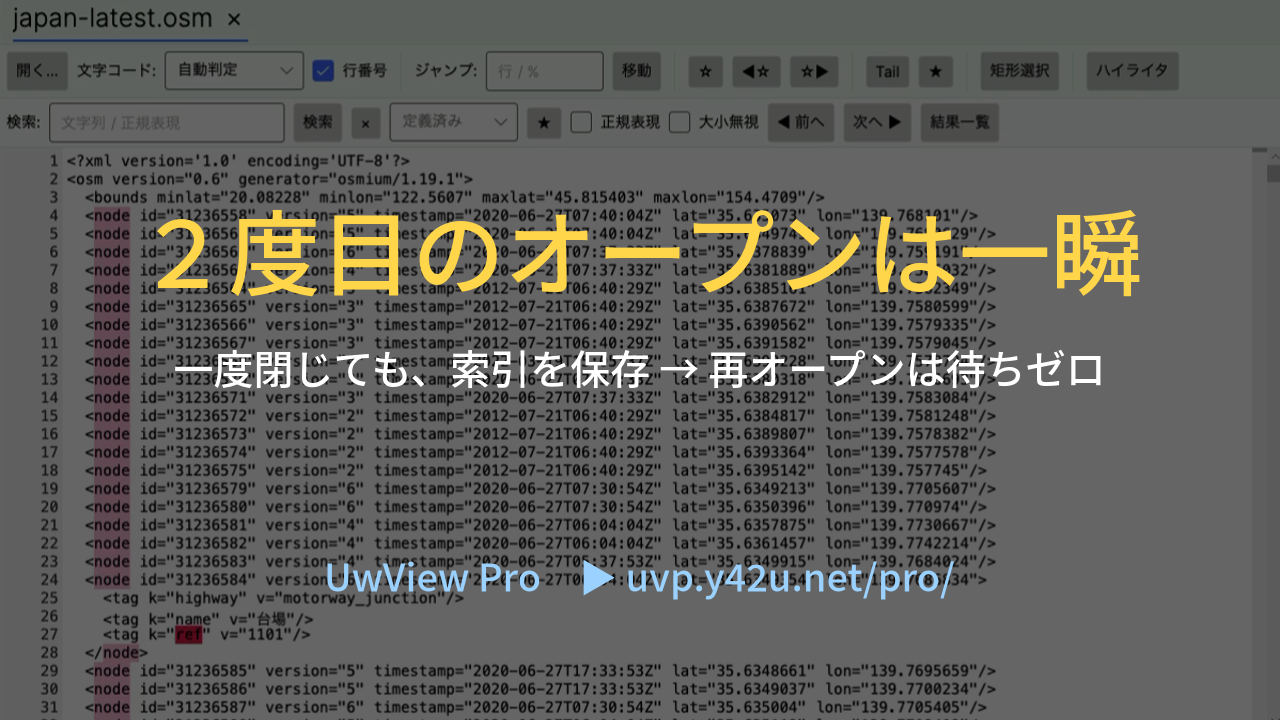
1. Demonstrating that close → reopen is “instant”
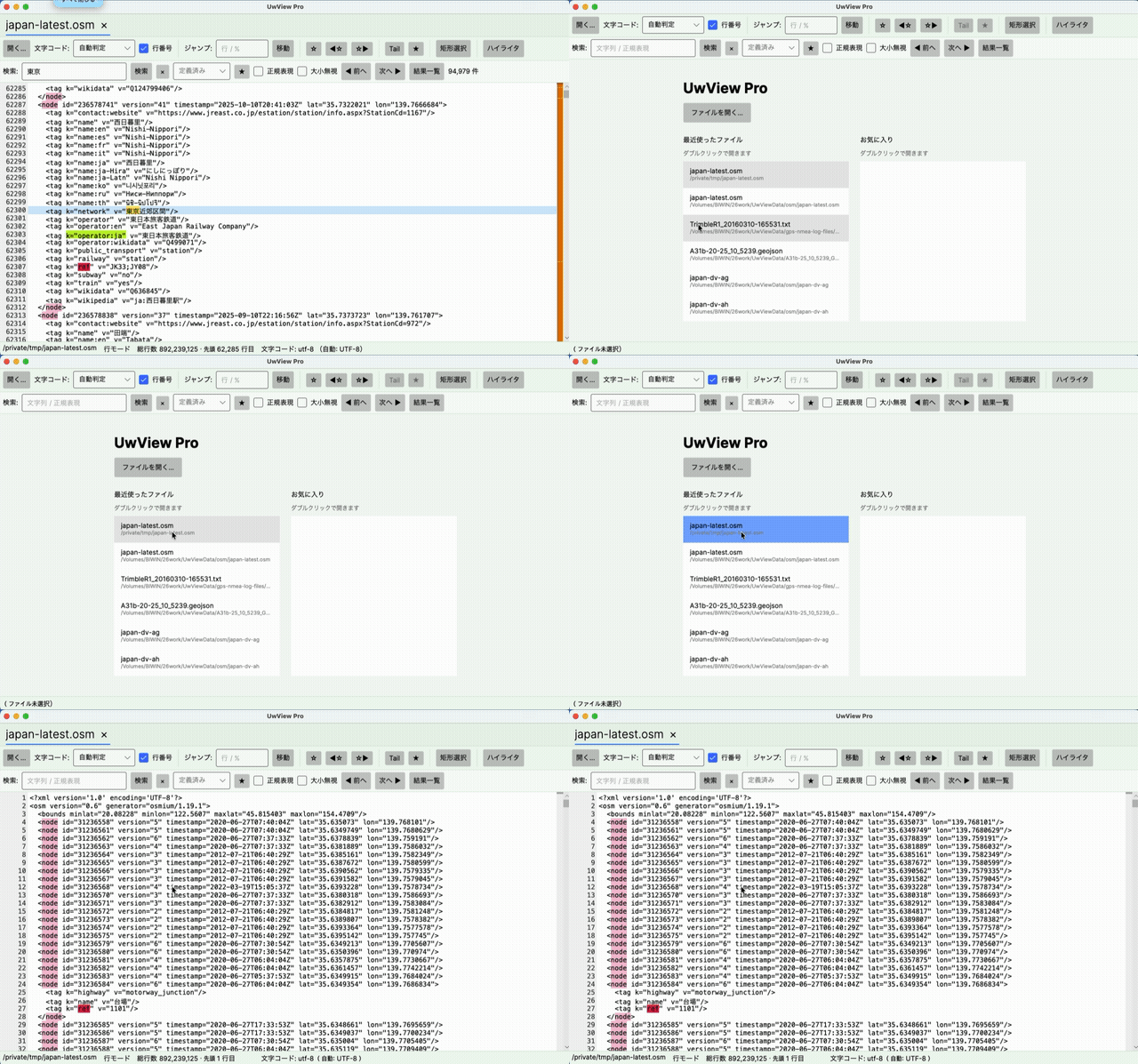
This is the moment we close the 51.25GB, 890-million-line file and then reopen it from the Recent Files list. Because the index and the compressed cache (.uwvz) remain on disk, the entire file can be browsed immediately, with no index-building wait like on the first open. Our benchmark article presented this as a “combined time for two opens” figure — this GIF is what that actually feels like.
2. Searching “Tokyo” across 890 million lines
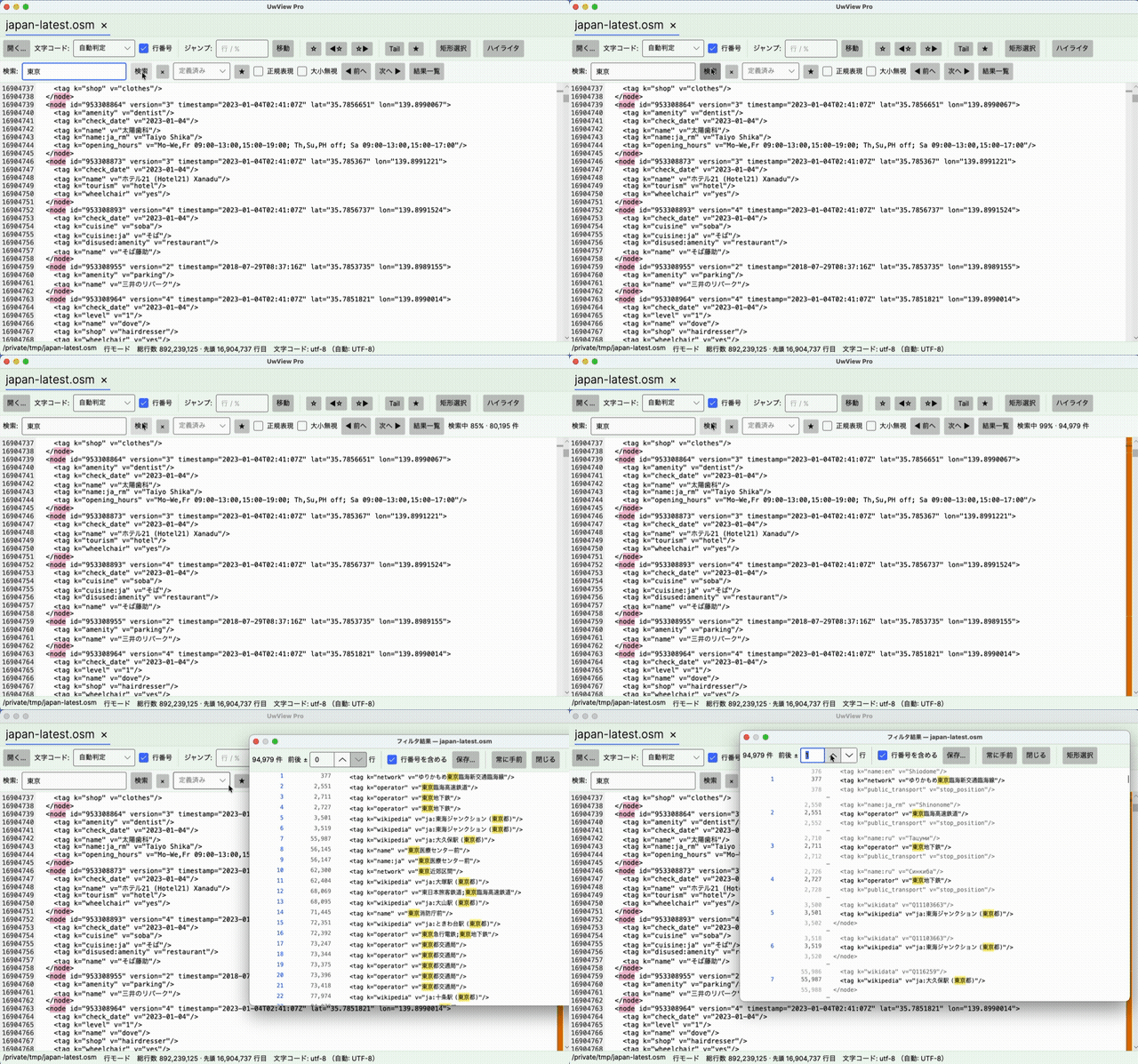
Typing “東京” (Tokyo) into the search box and running the search returned 94,979 hits out of 890 million lines. While the search runs, progress (hit count and byte position) is shown in real time, and once it completes, every hit line is listed in the “Filter Results” panel on the right. Clicking a hit jumps straight to that spot in the text.
3. Right-click to color-code a keyword
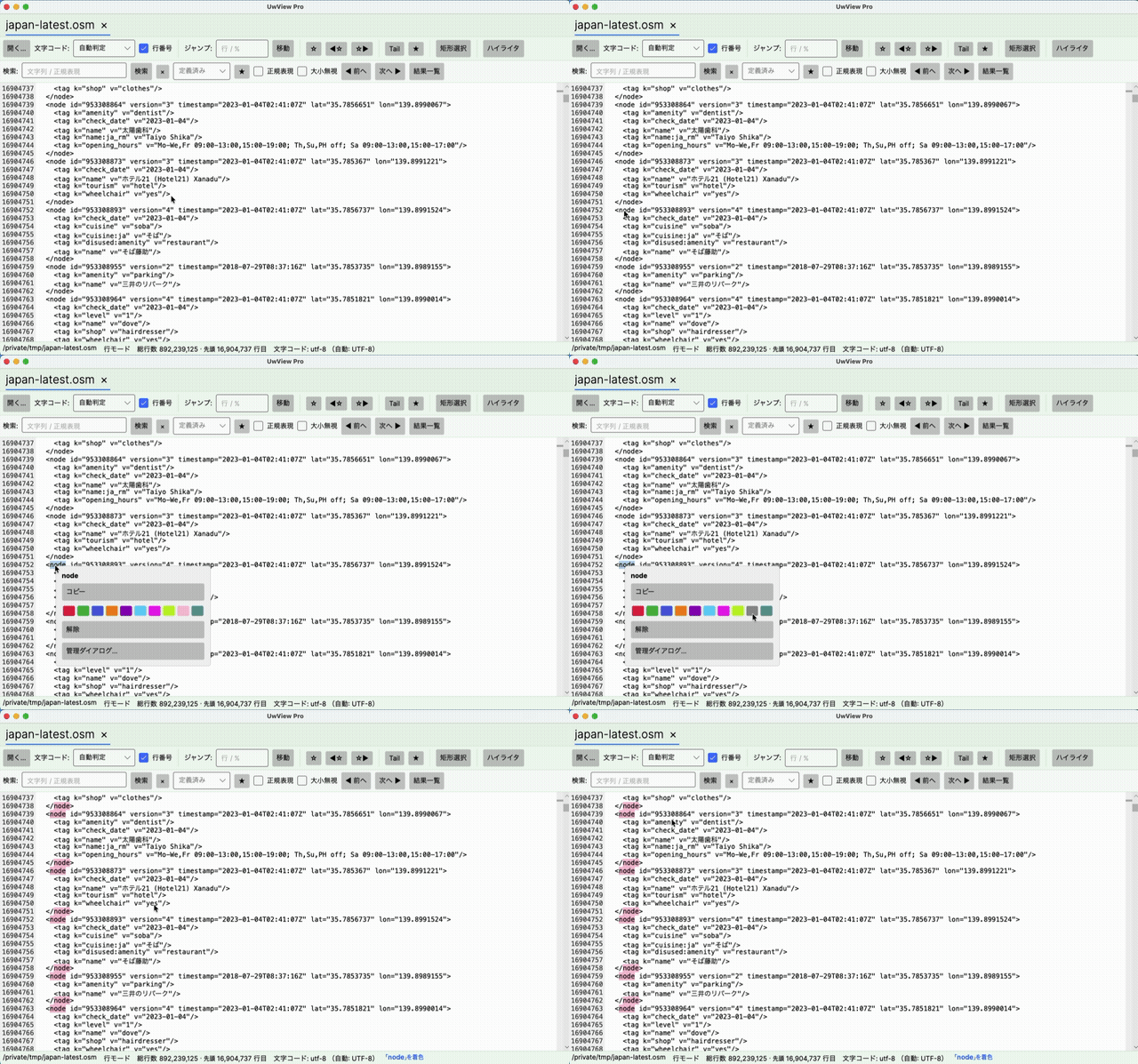
Select a word in the text, right-click, and pick a color — the word is instantly highlighted everywhere it appears. Keep several keywords each assigned their own color, and you can visually spot the term you’re after even inside a massive file (we cover this in detail in our v1.1.1 highlighter article).
4. Select a rectangular region and save it to a file
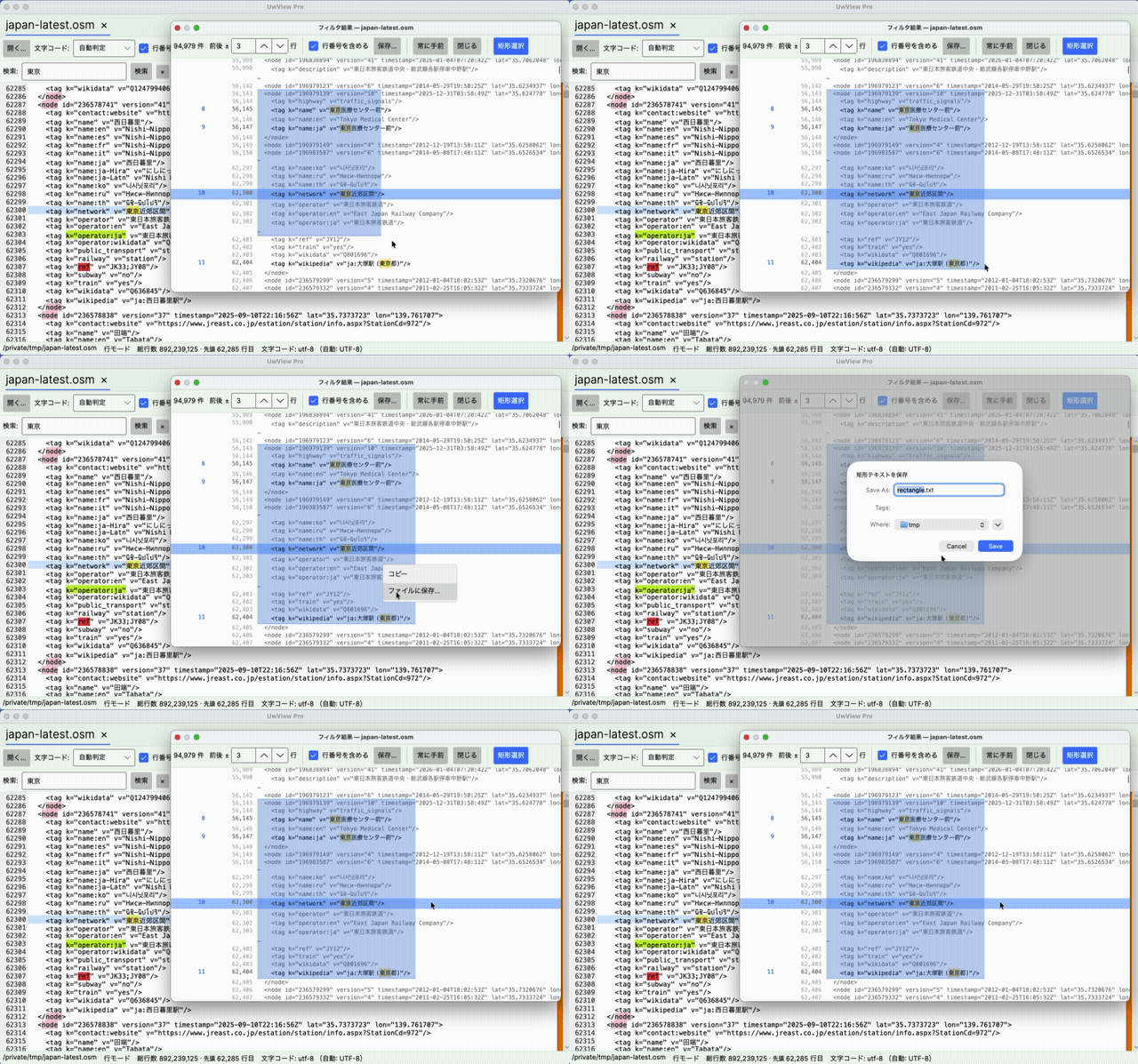
When you need to pull out just the “vertical columns” from a fixed-width log, rectangular selection (a Pro-only feature) is what you want. Select the region, right-click, choose “Save to File,” and only the selected rectangular block is saved as a separate file. Even from an 890-million-line file, you can carve out just the columns you need, on the spot.
Summary
- Reopening is instant: the index and compressed cache persist across closes, so there’s no wait the next time you open the file
- Search stays practical even at 890 million lines: the 94,979 hits for “Tokyo” completed with live progress shown throughout
- Right-click to color-code: pick a color and the keyword is highlighted everywhere at once
- Rectangular select → save: pull out just the vertical columns of a fixed-width log into a separate file
Numeric benchmarks are gathered here, and the feature comparison with klogg is here. If you’d like to see the motion for yourself, the GIFs on this page are the place to look.
UwView Pro is on sale now (macOS version first; one-time purchase or monthly subscription). → https://uvp.y42u.net/en/pro-en/
(UwView / UwView Pro let you view and search the entire file the moment you open it — even on the first open. The index is built in the background, and line numbers appear once it’s complete. UwView Pro saves the index and the compressed cache, so from the second open onward it opens instantly, with line numbers already in place. Other viewers show only the head until indexing finishes, whereas UwView lets you view and search the whole file instantly from the first open.)
From the developer: a list of my apps, Kindle books and public projects is on GitHub: amru195704.
Disclaimer
The information in this article is provided for reference purposes only, and we do not guarantee its accuracy or completeness. If you notice any errors or inaccuracies, please let us know in the comments and we will review and correct them.
コメント