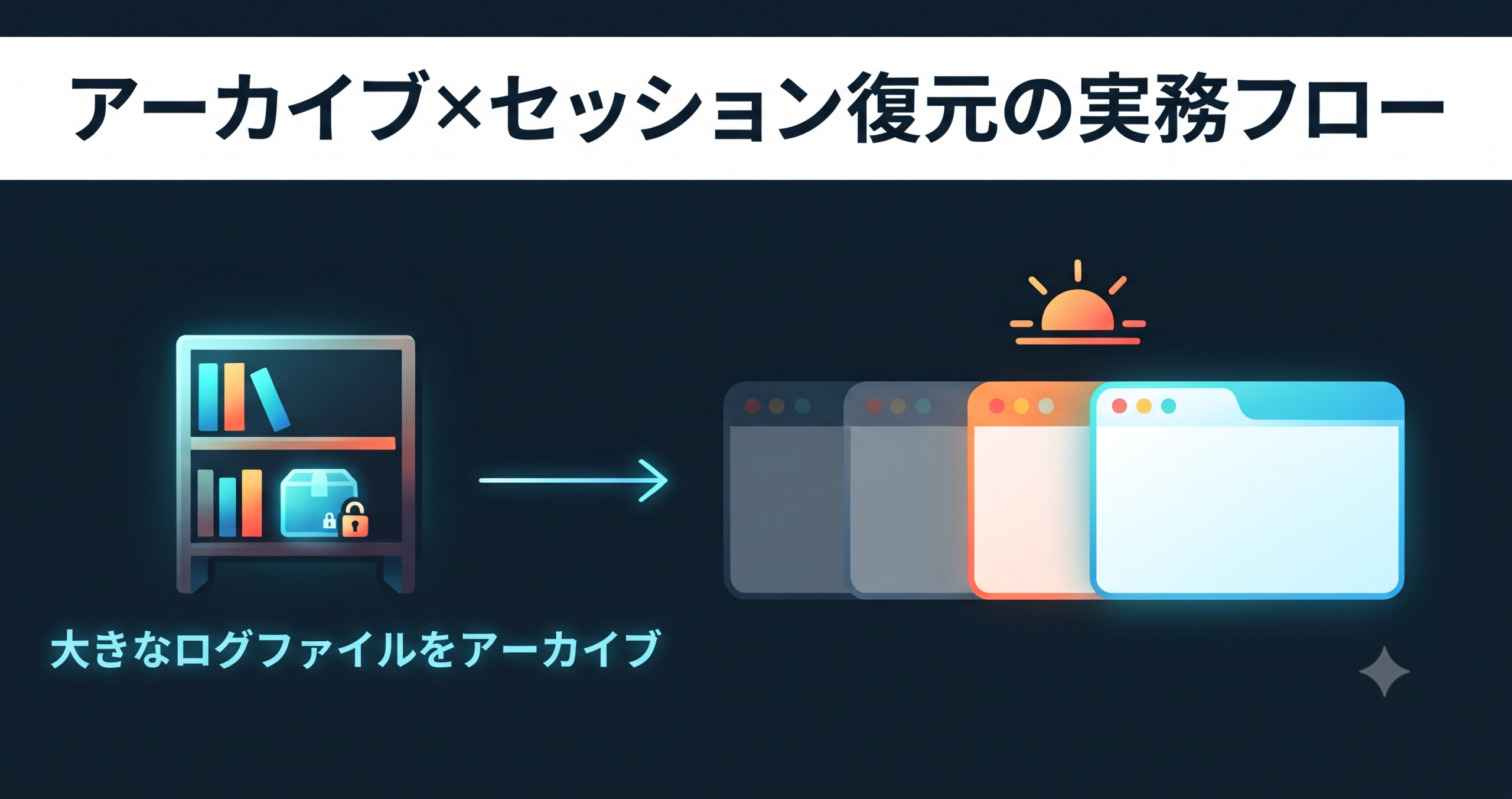
In We Released UwView Pro, we introduced the Archive feature (store at roughly 1/9th the size and view without unpacking) and Session Restore, added in Ver1.1.1 (reopen the app and pick up right where you left off), as two separate features. This time, we’ll walk through what happens when you connect these two into a single investigation workflow, with concrete steps.
The Scenario — “I Want to Wrap Up Today’s Investigation, but I Might Look at It Again Tomorrow”
A common situation in incident investigation or log review is: “I want to reach a stopping point today, but I can’t say the investigation is completely finished.” A log file in this state creates a bind:
- Too early to delete it (you might need to look at it again)
- Too heavy to just leave as-is (multiple 48GB-class logs piling up on your desk)
- Leaving the tab open indefinitely isn’t realistic either (you want to restart your PC for other work)
This is exactly the dilemma described in “To Delete or Not to Delete”.
Workflow 1: “Shelve It” Before Finishing the Investigation
- Once you’ve finished a round of searching, color-coding, and bookmarking, run Archive from the File menu.
- The original file’s contents are compressed with a checksum into an indexed archive with a
.uwvzextension. In our measurement, a 48GB log came down to roughly 5.3GB (see the benchmark article for details). - Once you’ve confirmed the archive was created, you can delete the original 48GB file. The
.uwvzfile can be opened and searched directly, without unpacking.
At this point, your desk (disk) has shrunk from 48GB to 5.3GB, and you’re still ready to respond instantly if you need to look at it again.
Workflow 2: Pause Work While Leaving Tabs Open
There are also logs where you’re not ready to commit to archiving yet — you’re still actively working on them. This is where Ver1.1.1’s Session Restore comes in.
- Even if you quit the app or restart your PC with multiple logs open in tabs, the tabs you had open are restored exactly as they were the next time you launch the app.
- For large logs, if the index still lives with the regular file rather than in a
.uwvz, reopening rebuilds the index on that open, in the background (you can browse while it runs) — but your search conditions, color-coding rules, and bookmark positions are all preserved regardless.
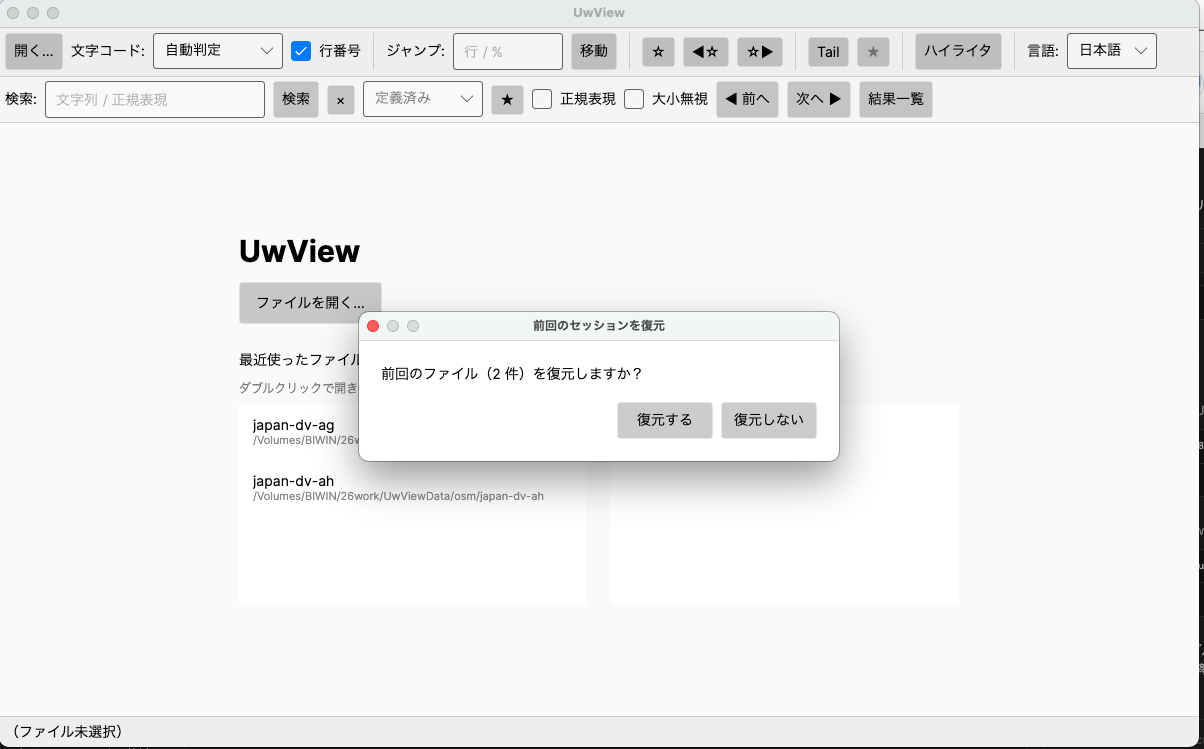
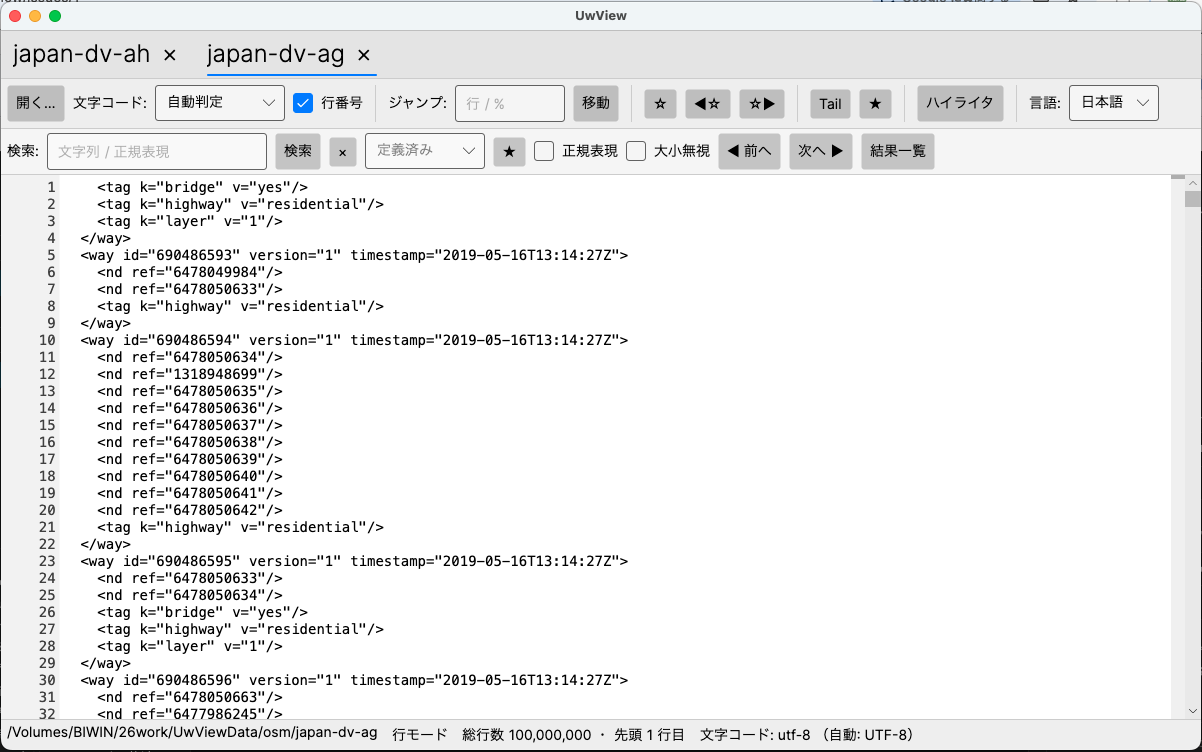
Session Restore’s role is this: even if you close your laptop after saying “that’s it for today,” you can resume exactly where you left off the next morning without any hesitation.
When to Use Workflow 1 vs. Workflow 2
| State | Feature to Use | Effect |
|---|---|---|
| Investigation done, but can’t delete yet | Archive (.uwvz) |
Compresses disk usage to roughly 1/9th, reviewable without unpacking |
| Investigation ongoing, pausing for today | Session Restore | Carries tabs, search state, color-coding, and bookmarks over to next time |
| Investigation done and unlikely to continue | Archive → Delete | Minimizes disk usage in the end |
In practice, you’ll often use these two in sequence: keep working with Session Restore maintaining your tabs for the time being, then drop into Archive once you reach a natural break point. Even a .uwvz archive that’s been reopened is treated as a regular tab just like an ordinary log file, so it’s still subject to Session Restore.
Why This Combination Works
The free version of UwView is focused on opening huge files; the Pro version handles the operational side of things after the file is open. Archive covers “storage” and Session Restore covers “continuity of work” — because these two responsibilities are cleanly separated, the full arc from “end of one day” to “resuming the next morning” — something hard to see when each feature is explained on its own — only comes into focus once you combine them.
Summary
- For logs you’ve finished investigating but can’t delete yet, shelve them with Archive (roughly 1/9th the size, checksummed, no unpacking needed)
- For work still in progress, carry your tabs, search state, and color-coding forward with Session Restore
- The realistic situation of “I’m done for today, but I might look at this again tomorrow” is covered by combining these two features
And if a huge log is eating your disk and you want it compressed for storage while staying searchable at speed, give UwView Pro a look — persistent index, compressed-cache search, and ~1/9 storage make both reopening and searching a step faster (all OS, one-time or monthly). The free version is available on GitHub.
Related Articles
- We Released UwView Pro — Instantly Open Huge Files, Anytime (All OS: Windows/macOS/Linux)
- To Delete or Not to Delete a Log You’ve Finished Reading — A Third Option: “Store at 1/9th the Size and Open It Directly”
- UwView Ver1.1.1 — Right-Click to Color-Code Instantly, Reopen and Pick Up Right Where You Left Off
- Ground Control Points, Checkpoints, and Drone Surveying — Why Path Correction Is Needed (GeoDiveExa)
- An Ellipsoid Is Determined by Just a and f — Deriving Eccentricity and Radius of Curvature (GeoConverterPro)
From the developer: a list of my apps, Kindle books and public projects is on GitHub: amru195704.
Disclaimer
The information in this article is provided for reference purposes only, and we do not guarantee its accuracy or completeness. Features and figures reflect the state at the time of writing and may change in future updates. If you notice any errors or inaccuracies, please let us know in the comments and we will review and correct them.

コメント