
UwView Pro, the premium edition of the large-file text viewer UwView, is now on sale (Windows/macOS/Linux; one-time or monthly; product page https://uvp.y42u.net/en/pro-en/). Now that we have solid measurements from the core engine, we put it head-to-head against klogg, the industry-standard viewer for huge log files, and here are the real results.
Cutting straight to the conclusion: when we actually measured it, klogg and the current (free) UwView performed at roughly the same level. And the design that current UwView is built on traces back to the old UwView from 30 years ago (the Windows 95 era). In other words — isn’t the “industry standard” older than you’d expect? This article is about that, and about what happened when we redesigned that same architecture from scratch for today’s hardware.
Test conditions — a real 48GB file, 892,239,125 lines
All benchmarks were run under identical conditions on the identical file.
- Target file: OSM data for all of Japan,
japan-latest.osm(47.73GB, 892,239,125 lines. The same real-world data used in our earlier experiment opening a 51GB file)
Note on file size notation: the “48GB” figure in this article is 47.73GiB (bytes ÷ 1024³), rounded. macOS’s own size display (SI units, ÷1000³) shows 51.25GB. Both refer to the same file (51,254,526,392 bytes); the “51GB” figure used in the explainer video follows this same SI convention.
- Environment: 10-core Mac, 32GB RAM, external USB drive (measured physical throughput 0.41GB/s)
- Comparison target: klogg 24.11.0 (main search always uses the regex engine, Match case ON)
- Search hit counts were confirmed to match exactly across all patterns among klogg, UwView, and UwView Pro (e.g., literal “Tokyo” = 10,967 hits)
Round 1: klogg vs. current UwView — nearly identical
| Item | klogg 24.11 | UwView (public release) |
|---|---|---|
| First open (index build) | About 110 seconds | 128–186 seconds |
| Every subsequent open | Every time, about 110 seconds (re-indexes) | Every time, 128–186 seconds (rebuilds) |
| Search literal “Tokyo” | 120–135 seconds | 156.2 seconds |
There’s some variance in the numbers, but it’s clear that both tools are built on the same principle: “read the entire 48GB raw file, every single time.” Both hover around 0.3GB/s throughput — meaning both are pinned to the physical bandwidth ceiling of the disk. That’s not a matter of which tool is better; it’s a matter of which design generation each belongs to.
To be clear, we did not look at klogg’s source code at all. This is an inference based purely on external measurements hitting the same physical ceiling, but the underlying structure — rebuilding the index every time you open the file, and scanning the raw file every time you search — appears to belong to the same design generation.
And the design current UwView is built on originates from the old UwView, once distributed on Vector back in the Windows 95 era. A 30-year-old design. The first discovery from this comparison: the industry-standard klogg performs on par with a 30-year-old design.
One point where it isn’t even “on par”
One feature the old UwView has had consistently since 30 years ago is that “the entire file is visible the moment you open it” (progressive open). Current UwView also lets you jump freely to the middle or end of the file even while the index is still being built.
What about klogg? During our measurements, we confirmed that only the beginning of the file is visible until index building finishes (you cannot scroll to the middle or end). For a 48GB file, that’s roughly 110 seconds during which the end of the file is simply off-limits. On this one point, klogg doesn’t even match the 30-year-old design — it falls short of it.
Round 2: Enter UwView Pro — a design rebuilt for “now”
What’s changed between 30 years ago and today? RAM in the tens of gigabytes is now standard, CPUs commonly have 10 cores, and compression technology like zstd — “compression faster than the disk itself” — is now available. UwView Pro’s engine was redesigned from the ground up around these assumptions.
At the core of the mechanism is a sidecar approach. We’ll cover the details in a separate article, but here are the three key points:
- On the first open, a zstd-compressed cache is generated at the same time the index is built (compression happens on otherwise-idle CPU cycles between disk reads, so it adds essentially zero extra wait time)
- From the second open onward, only the saved index needs to be read (milliseconds). Searches read the 5.3GB compressed cache instead of the 48GB raw file (a 1/9 reduction in bytes read)
- The compressed cache preserves every byte of the original file losslessly, with block-level checksums. Even if you delete the original file and keep only the 1/9-sized cache, you can still open and search it directly
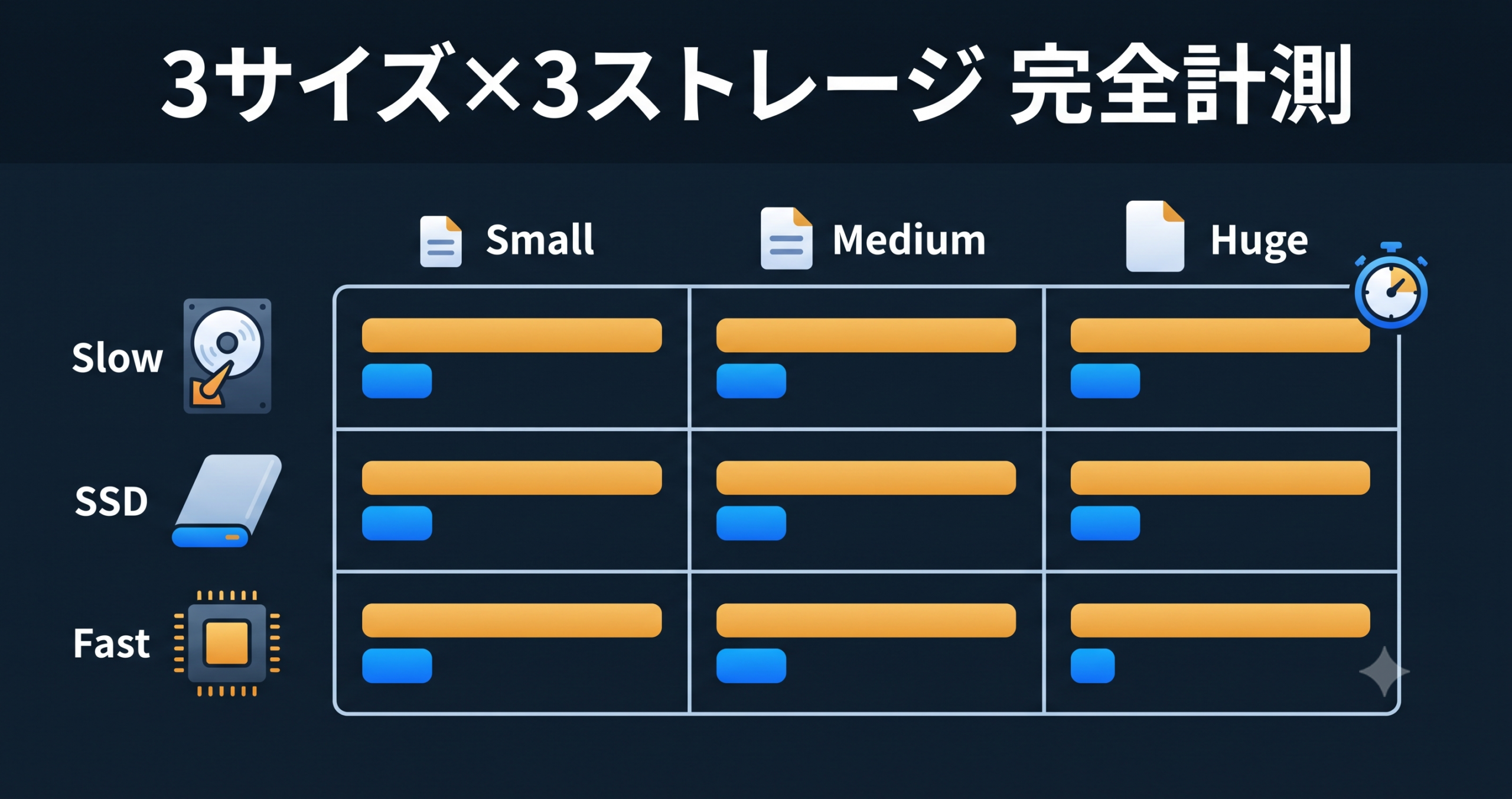
Overall comparison table — measured results
| Item | klogg 24.11 | UwView (public release) | UwView Pro (on sale) | Pro ÷ klogg |
|---|---|---|---|---|
| First open | About 110 seconds (only the beginning is visible until complete) | 128–186 seconds (entire file visible immediately) | 140 seconds (includes building both the index and the compressed cache; entire file visible immediately) | About the same |
| Every subsequent open | Every time, about 110 seconds | Every time, 128–186 seconds | 0.02–0.07 seconds | 1,500x or more |
| Search literal “Tokyo” | 120–135 seconds | 156.2 seconds | 14.3 seconds | About 9x |
| Search case-insensitive “Tokyo” | About 120 seconds | (not measured) | 14.0 seconds | About 8.6x |
| Search regex “Tok[yi]o” | About 130 seconds | (not measured) | 29.8 seconds | About 4.4x |
| Search regex “name:en.*Tokyo” | About 130 seconds | (not measured) | 29.2 seconds | About 4.4x |
| Disk footprint (archival use) | 48GB (original file required) | 48GB (original file required) | 5.3GB (original file can be deleted; checksum-protected) | 1/9 |
An honest note
- Instant to view from the very first open. UwView lets you read, scroll and search the entire text the moment you open it (klogg shows only the head until indexing finishes). The index and compressed cache are built on the first open, in the background (about 140 s for 48GB — bound by reading the raw file once at 0.41GB/s; you can browse while it runs). Because indexing happens on the first open, from the second open on it’s instant, with line numbers (0.02–0.07 s).
- All figures above are measurements from a single real-world environment. RAM capacity, storage speed, and file contents will all affect the numbers.
Current status and what’s next
The engine (parallel index building, parallel search, and the sidecar mechanism) is fully implemented, and every figure above comes from measurements of working code. The Pro-only UI (including rectangular-selection copy and paste) is also implemented at this point. UwView Pro is on sale now (Windows/macOS/Linux; one-time or monthly). → https://uvp.y42u.net/en/pro-en/
Current UwView (free) remains available on GitHub. Give the “entire file visible the moment you open it” experience a try — it’s been a core part of UwView since 30 years ago.
Summary
- When actually measured, the industry-standard klogg and current UwView (built on a 30-year-old design) perform at roughly the same level — both belong to a generation of design that “reads the entire raw file every single time.”
- Limited to “the entire file is visible the moment you open it,” klogg doesn’t even match the 30-year-old UwView (only the beginning is visible until indexing completes).
- UwView Pro is a next-generation engine, redesigned around today’s hardware assumptions (abundant RAM, multi-core CPUs, and compression faster than disk).
- UwView / UwView Pro let you view and search the entire file the moment you open it, no matter how large it is (the index is built in the background, and line numbers appear once it’s complete; UwView Pro saves the index and the compressed cache, so from the second open onward line numbers appear instantly). Measured results (48GB, 892,239,125 lines): 1,500x or more for subsequent opens, about 9x for search, and 1/9 the storage footprint. (Indexing happens on the first open, in the background; from the second open on, line numbers appear instantly.)
- UwView Pro is on sale now (Windows/macOS/Linux; one-time or monthly). → https://uvp.y42u.net/en/pro-en/
Related articles
- UwView Released on GitHub — Renewing a Large-File Text Viewer from the Windows 95 Era to Handle Up to 200 Million Lines Across All Platforms
- We Opened a Real 51GB, 892,239,125-Line Dataset (OSM Japan) in UwView — “Correction: 200 Million Lines Was Wrong”
- How Many Lines Can UwView Theoretically Open?
Sources
- amru195704/UwView (GitHub) https://github.com/amru195704/UwView
- klogg (GitHub) https://github.com/variar/klogg
- OpenStreetMap data (Geofabrik: japan-latest.osm) https://download.geofabrik.de/asia/japan.html
- Zstandard (zstd) https://github.com/facebook/zstd
From the developer: a list of my apps, Kindle books and public projects is on GitHub: amru195704.
Please note
The information in this article is provided for reference purposes only, and we do not guarantee its accuracy or completeness. Benchmark figures were measured in a specific environment, and results may vary depending on your environment. If you notice any errors or inaccuracies, please let us know in the comments and we will review and correct them.

コメント