
[Update, 16 October 2026] Speed today — the free edition, slower than klogg in July, is now on par or faster
This article compares features as of July 2026 (UwView v1.0–v1.1). Speed has changed a lot in later versions. The current version is v1.9.0 “Full Spectrum”.
Against klogg July 2026 (v1.0, 48 GB) Latest comparison (50 GB) Free UwView: open 128–186 s vs klogg about 110 s (klogg faster) 50.44 s vs klogg 52.55 s (on par) Free UwView: search 156.2 s vs klogg 120–135 s (klogg faster) 53.50 s vs klogg 55.59 s (on par) Search and read in the window ( uvf … -open)(not available yet) 50.76 s vs klogg 109.32 s (2.15×) UwView Pro: search (with index) 14.3 s (about 9× klogg) 6.47 s (8.6× klogg) July was measured on an external USB drive (0.41 GB/s) and the latest values on an external USB SSD, so compare the ratios to klogg, not the seconds (both on a Mac, cold, klogg 24.11.0). The latest values are the free edition v1.6.6 (September 2026) and Pro search v1.7.3.1 (28 September 2026). The
uvpcommand in v1.9.0 is 2.56× ripgrep (one 3 GB file, total of 30 items, Mac). Details: Benchmarks and the v1.9.0 “Full Spectrum” article.
I put together a feature comparison table between the large-file text viewer UwView (free, open source on GitHub) and the industry-standard log viewer klogg.
The previous and one before that articles compared “speed.” This time it’s “features.” And let me say up front: this article also lists every category where klogg wins. Most vendor-made comparison tables only show the rows where the vendor happens to win, but as the author, I don’t trust a comparison table that can’t honestly represent the competition. klogg is a well-established tool that deserves respect, built on more than a decade of history in the glogg lineage.
[Update, Aug 29, 2026] “Track record: still building” was inaccurate
The row “Track record and user base — UwView: 🔶 Still building” was wrong. UwView 0.6, published by the same author in 2006, is still listed on Vector with 12,657 cumulative downloads (item no. PS398984; its description then: “a fast text viewer that can display up to 50 million lines”). UwView Pro in 2026 measures 4.5 billion lines / 258 GB — 90x in twenty years.
Update, 7 October 2026: the 2006 UwView 0.6 listing was removed from Vector at the author’s request (12,666 downloads at the time). The current UwView is listed on Vector at https://www.vector.co.jp/soft/winnt/util/se529278.html and on GitHub.
That said, those downloads belong to the predecessor, not to the current version. And klogg’s decade is a record of continuous development and distribution, which is a different thing. klogg still wins this row.
The full account is in the complete v1.1.1 comparison.
Comparison baseline: klogg 24.11.0 (official documentation) vs. UwView v1.0.0 (as of 2026-07-18).
Where UwView Has the Edge — “The Huge-File Experience”
| Feature | klogg | UwView (Free) |
|---|---|---|
| Instant open of huge files (browse the whole file before indexing finishes) | ❌ Only the head until indexing completes | ✅ Can jump to the end the moment it’s opened |
| Automatic Japanese encoding detection (Shift-JIS / EUC-JP) | ❌ Manual selection | ✅ Auto-detect + manual switch |
| Show ±N lines of context around search results | ❌ | ✅ |
| Save search results to a separate file | ❌ | ✅ |
| Minimap of match distribution with click-to-jump | 🔶 Match highlighting only | ✅ |
| Browser (WASM) version | ❌ | ✅ (bonus) |
| UI language switch (Japanese/English) | ❌ English only | ✅ |
| Largest verified scale | ~billion-line class (claimed) | 890 million lines / 51GB, measured firsthand (verification article) |
In Japanese log environments, being able to open logs with mixed Shift-JIS encoding without a second thought is a small but genuinely useful win. With klogg, every time you hit garbled text you have to go back and manually re-select the encoding.
Where klogg Has the Edge — “The Log-Analysis Toolbox”
This is the main point of the article. The following are features where klogg is clearly ahead as of today.
| Feature | klogg | UwView (Free) |
|---|---|---|
| In-view incremental search (QuickFind, roughly Ctrl+F) | ✅ | ❌ |
| Auto-refreshing search results while following (tail -f) | ✅ | ❌ |
| Per-file state restoration (marks and view settings persist next time) | ✅ | ❌ Session-only |
| Session restoration (reopen the previous set of files) | ✅ | ❌ |
| Scratchpad (base64 decoding, JSON/XML formatting workspace) | ✅ | ❌ |
| Package distribution (distro repos / Chocolatey / Homebrew, etc.) | ✅ Extensive | ❌ GitHub Releases only |
| Track record and user base | ✅ Over 10 years | 🔶 Still building |
To sum up the current state in one line: the “opening, reading, and searching a huge file” experience belongs to UwView, while the “log-analysis toolbox” and distribution belong to klogg. If your use case is day-to-day log analysis work, there are still plenty of good reasons to choose klogg today.
The Losses Became Our Development Roadmap — and We’re Closing the Gap
This “loss table” is published as-is, as a list of feature candidates for UwView, in the repository.
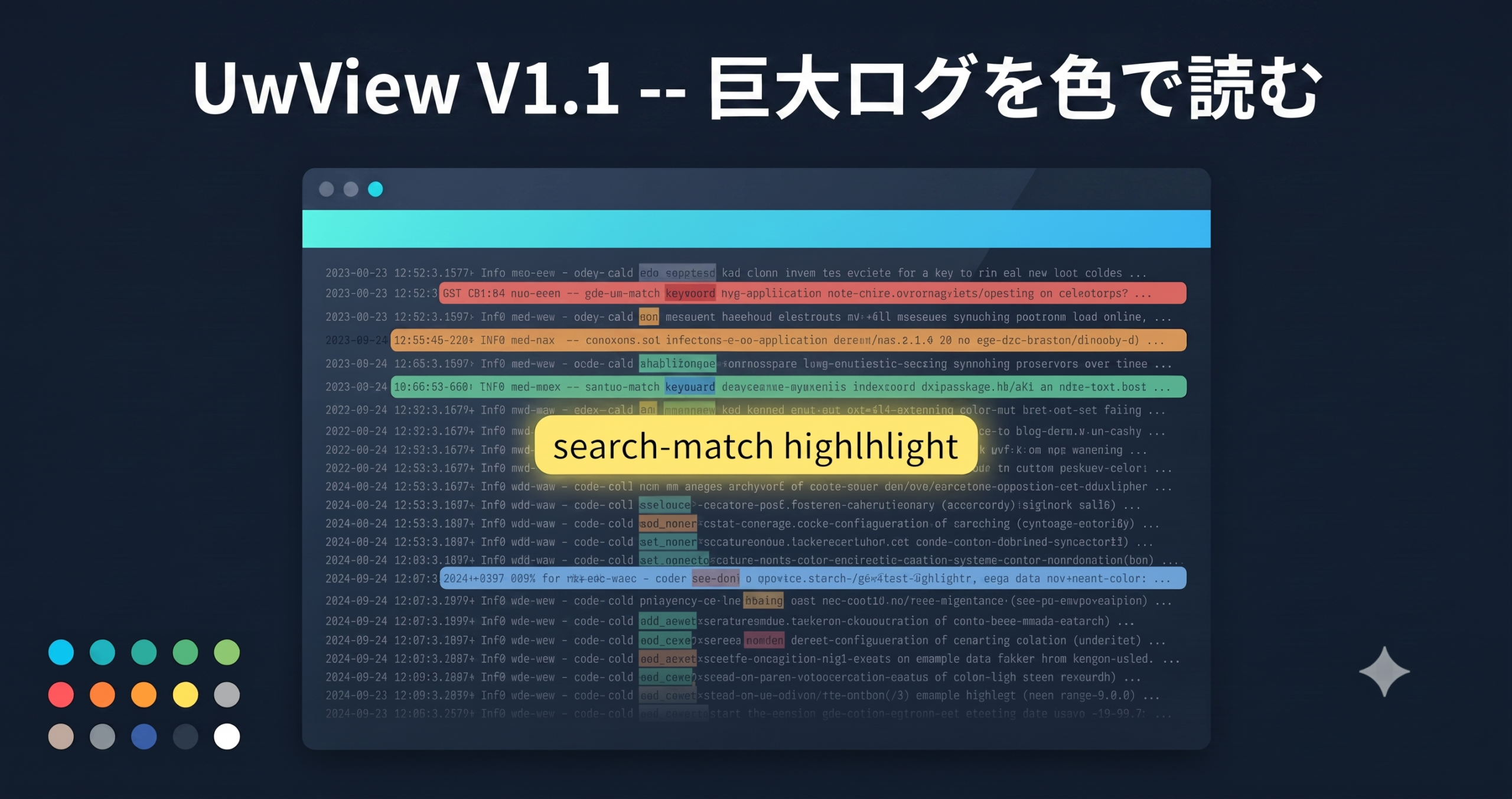
In fact, at the time this table was first drawn up, it had two more rows in the loss column — multi-keyword color-coded highlighting (with saved sets) and predefined filters and search history. Both were implemented in v1.1, so they’ve since dropped off the table above (see the v1.1 release notes). We’re handling the remaining items the same way: keeping them honestly on the table while we work through them one by one. Auto-refreshing search during Follow, and state/session restoration, are the top priorities for the next release.
About the Higher-Tier UwView Pro (On Sale)
On a related note, we’ve released the commercial version, UwView Pro, which lets you instantly display and search huge files at any time; it saves the index so that from the second open onward, files open instantly with line numbers; search is up to roughly 9x faster; and logs can be stored at about 1/9 the size while remaining directly openable (macOS version first; one-time or monthly. Measured performance is covered in this article). → https://uvp.y42u.net/en/pro-en/ The feature comparison in this article is based on the free version, UwView v1.0.0.
Summary
- UwView has the edge in the huge-file experience (instant open, automatic Japanese encoding detection, ±N-line context, 890 million lines measured firsthand).
- klogg has the edge in the log-analysis toolbox (color-coded highlighting, QuickFind, state restoration, Follow-linked search) and in distribution and track record.
- We’re not hiding the areas where we lose — they’re published as feature candidates, and we’ll keep reporting on our progress closing them on this blog.
Related Articles
- UwView Goes Open Source on GitHub — A Windows 95-Era Large-File Text Viewer Renewed for up to 200 Million Lines, All OSes
- We Opened 51GB / 890 Million Lines of Real-World Data (OSM Japan) in UwView
- UwView Pro — We Compared It with the Industry-Standard klogg, and Found a Design Frozen in Time from 30 Years Ago?
Sources
- klogg official documentation: https://github.com/variar/klogg/blob/master/DOCUMENTATION.md
- amru195704/UwView (GitHub): https://github.com/amru195704/UwView
From the developer: a list of my apps, Kindle books and public projects is on GitHub: amru195704.
A note
The information in this article is provided for reference purposes only, and we do not guarantee its accuracy or completeness. Feature availability reflects the state of each version at the time of writing and may change in future updates. If you notice any errors or inaccuracies, please let us know in the comments and we will review and correct them.

コメント