UwView is a viewer for opening and searching huge logs and text files on Windows, macOS and Linux. The window is built with Avalonia UI and everything underneath is .NET 10 (C#); it also ships command-line tools on the same search engine (uvf in the free UwView, uvp in the paid UwView Pro). We always measure speed side by side with ripgrep. I am the developer.
Question: What changes when you run the same test suite on macOS, Windows and Linux?
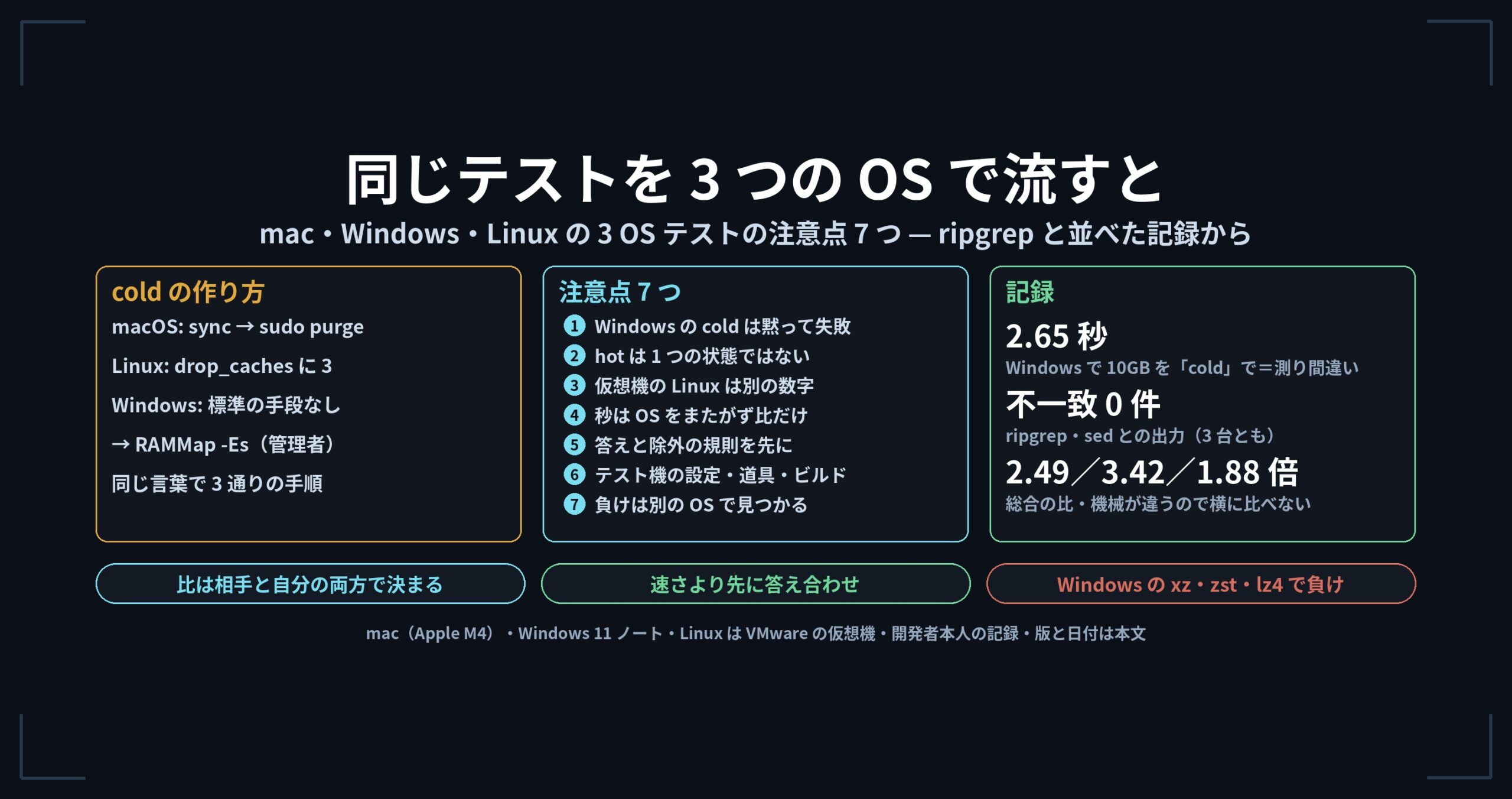
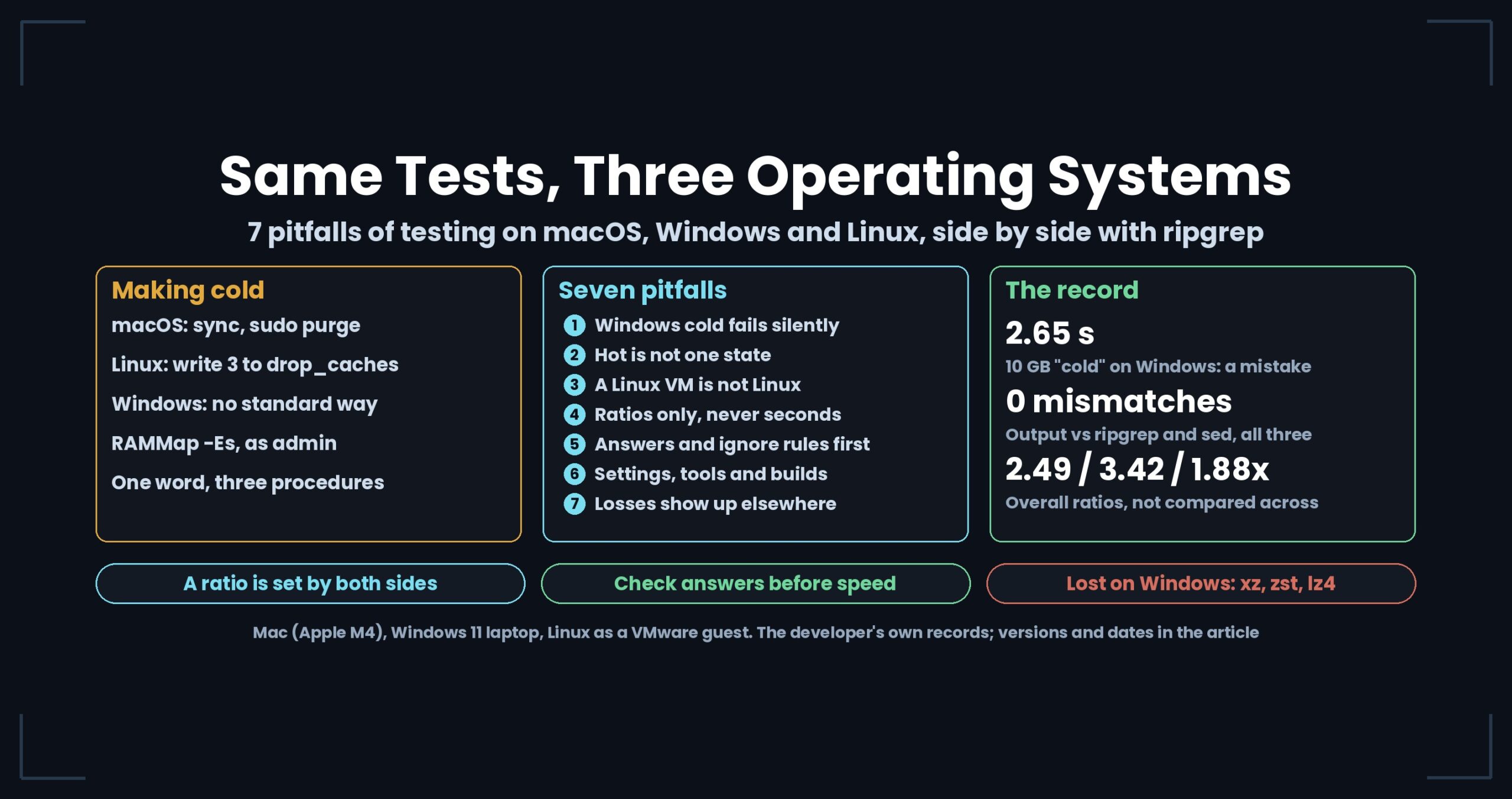
Answer: Before the speed, the measuring changes. The steps for clearing the cache (“cold”) are different on each OS, and on Windows they fail silently. “Second run” (“hot”) becomes a different state depending on free memory. Never line up seconds across OSes, only ratios measured on each machine, and check that the answers match before you look at speed. Only then did a loss that never showed on the Mac turn up on Windows.
This page regathers four write-ups of running the same tests on three OSes (September to October 2026) into seven things that trip up whoever builds such a test. The numbers are the ones from those write-ups, unchanged; nothing new was measured for this page.
- The short version: seven pitfalls
- The three machines
- 1. “Cold” is a different procedure on each OS
- 2. Windows cold fails silently
- 3. “Hot” is not one state
- 4. A Linux virtual machine is not a Linux number
- 5. Never line up seconds across OSes; line up ratios
- 6. Match the answers and the ignore rules before speed
- 7. Test-machine settings, tools and builds end up in the results
- Where we lose, and what we cannot claim
- What to take home
- The original articles
- Read next
- Try UwView
The short version: seven pitfalls
- “Cold” is a different procedure on each OS. macOS has
purge, Linux hasdrop_caches, Windows has no standard command. - Windows cold fails silently. Without administrator rights and RAMMap, the cache is not dropped and the run is recorded as a second run.
- “Hot” is not one state. The same 10 GB file may or may not end up in memory depending on what else is free.
- A Linux virtual machine is not a Linux number. The host keeps its own cache, and with few cores even the shape of the result changes.
- Never line up seconds across OSes; line up ratios. A ratio depends on the other tool (ripgrep) as much as on yours.
- Match the answers and the ignore rules before speed. If the counts differ, comparing speed means nothing.
- Test-machine settings, tools and builds end up in the results. Losses tend to show up on the machine you do not usually use.
The three machines
These are the three machines from the original write-ups (Wide Field Part 13, October 4, 2026).
| macOS | Windows | Linux | |
|---|---|---|---|
| Machine | Apple M4, 10 logical, 32 GB, external USB SSD | x64, 8 logical, 15.6 GB | aarch64, 2 logical, 7.0 GB (VMware Fusion guest) |
uvf version |
1.7.3.6.9 | 1.7.3.6.8 | 1.7.3.6.8 |
| Threads | uvf 8, uvp 8 (default) |
uvf 4 (configured), uvp 8 |
uvf 2, uvp 2 (default) |
| ripgrep | 15.2.0 | 15.2.0 | 15.1.0 |
| Full run | 2 h 20 min | 4 h 9 min | 3 h 29 min |
1. “Cold” is a different procedure on each OS
How you make the first run right after the cache is dropped (cold) differs by OS. The same word “cold” means three different procedures (3-OS Test #0).
| OS | How cold is made | Caveat |
|---|---|---|
| macOS | sync, then sudo purge |
purge does not always drop everything. Also take one cold run right after a reboot |
| Linux (VMware) | sync, then write 3 to drop_caches |
The host Mac keeps a cache of its own (section 4) |
| Windows | RAMMap -Es (empty the standby list) |
No standard command. Without RAMMap, reboot and time it by hand |
# macOS
sync && sudo purge

# Linux
sync && echo 3 | sudo tee /proc/sys/vm/drop_caches
There is no guarantee that the Windows procedure drops the same things as the other two. We read Windows cold as a looser condition than cold on the other OSes.
2. Windows cold fails silently
One record showed a 10 GB file read “with the cache dropped” on Windows in 2.65 s. That is 3.8 GB/s, faster than any drive in that machine can deliver (Part 12).
The cause was permissions. RAMMap cannot drop the cache unless it runs with administrator rights. Without them it does not stop with an error: the cache drop fails silently and the following “cold” run is recorded as just another second run. The seconds look normal, so you cannot tell from the table.
We caught it only because the number was above the drive’s raw read speed. If you measure the ceiling first, a number above it reads as evidence of a measurement mistake, not of speed.
In the rerun, the cache drop ran properly 171 times. Cold and two-run totals come only from the rerun; the earlier run was thrown away whole, because swapping in some rows would mix conditions within one table. As a side effect, an outlier of 45.94 s for the 10 GB uvf second run became 29.25 s in the rerun (29.22 s on the earlier v1.6.3), and a half-written explanation of “a mysterious slowdown on Windows at 10 GB” was withdrawn with it.
3. “Hot” is not one state
The second run (hot) was supposed to mean “just read once”, but across OSes it meant different states (Part 12).
| Machine | Memory | ripgrep, 10 GB, second run (s) | |
|---|---|---|---|
| Mac | 32 GB | 11.08 | Not in memory |
| Windows | 16 GB | about 4.7 | In memory |
| Linux (virtual machine) | 8 GB | 17.18 | Does not fit |
Windows had less memory, yet the 10 GB file stayed cached. Free memory is decided not by the total but by what is not in use at the moment. Hot is a continuous quantity, how much of the file is still cached, and if you compare 10 GB second-run ratios across machines without controlling for it, you report cache luck as a performance difference.
So 10 GB second runs are not compared across machines, and the current 3-OS tests measure only cold for files larger than 60% of physical memory (3-OS Test #0).
4. A Linux virtual machine is not a Linux number
Linux runs as a VMware Fusion guest. Virtualization overhead sits in every second, so we cannot say “this is how it would be on real Linux hardware.” Worse, dropping the cache inside the guest leaves a separate cache on the host Mac. We now run the host’s purge along with the guest’s cold step (--cold-hook), but we cannot claim the host’s noise is gone (3-OS Test #0).
The number of cores changed the shape of the result too. On the 2-core guest, the 3 GB two-run total for 7 searches with uvp was a tie with ripgrep (ripgrep 1.01x faster), on the same item where the Mac and Windows showed uvp 1.75x and 1.97x faster (Part 12). uvp spends CPU expanding its index (.uwvz, a compressed format plus an index), so with few cores the trade of reading fewer bytes for more CPU stops paying off.
5. Never line up seconds across OSes; line up ratios
The three machines differ in CPU, memory and disk. So on each machine we compute “ripgrep’s time ÷ our time” and line up only those ratios (above 1 means we are faster; under 1.5x counts as level).
Here is the first run plus the second run for 7 searches: plain, -i, -E, -E anchored at line start, -E -i, -v and -E -v (Wide Field Part 13).
ripgrep’s time ÷ uvf‘s time (×) |
macOS | Windows | Linux |
|---|---|---|---|
| 3 GB | 1.00 | 1.48 | 1.31 |
| 10 GB | 1.16 | 1.90 | 1.13 |
| 50 GB | 1.13 | 2.47 | 1.33 |
Looking only at the Mac, the story ends with “uvf is level with ripgrep.” On Windows, the same uvf came out 1.5–2.5x faster. The right reading is not “Windows favors UwView” but “on this Windows machine, ripgrep’s first run was slow.” A ratio is set by both sides.
The overall figure (96 items, uvf plus uvp) was 2.49x on the Mac, 3.42x on Windows and 1.88x on Linux. These three numbers are not meant to be read side by side to decide which OS benefits most either.
6. Match the answers and the ignore rules before speed
Finishing fast with the wrong answer is not fast. The suite gives each case its expected exit code, number of hit lines and, where it matters, the line numbers themselves (cases.json), and a case passes only when all of them match. Exit codes follow grep: 0 = found, 1 = not found, 2 = error or incomplete result (3-OS Test #0).
| macOS | Windows | Linux | |
|---|---|---|---|
| Input types (encodings, 7 compression formats, empty files and more) | 66 passed | 66 passed | 66 passed |
| Multiple files | 36 passed | 34 passed, 2 skipped | 36 passed |
Ignore rules (.gitignore and others) |
43 passed | 43 passed | 43 passed |
| Output cross-check during the speed comparison | 0 mismatches | 0 mismatches | 0 mismatches |
(Wide Field Part 13)
Ignore rules are part of the answer. If you read .gitignore differently from ripgrep, you search different files, get different counts, and the speed comparison collapses. So we matched ripgrep 15 on which files are read, their precedence and ! negation, and confirmed with 43 checks on three OSes that the file list matches rg --files (Wide Field Part 7).
What caught us was ripgrep’s rule that .gitignore only applies inside a git repository. In a copy made without the .git folder, a .gitignore is not read, because the copy is not a git repository. This tripped an actual test.
The large test data is not distributed; it is generated from a fixed seed and checked by SHA-256, and we confirmed that x86_64 and aarch64 produce the same bytes (3-OS Test #0). That is how we make sure, before any speed, that every OS is searching the same file.
7. Test-machine settings, tools and builds end up in the results
What three machines found first was not a product difference but a test-machine difference (Wide Field Part 13).
- A settings file:
uvfon Windows ran with 4 threads. Not the default (up to the number of logical processors), but because the test machine’s settings file said so. - Missing tools: the 2 skipped cases on Windows were because the machine had no Python, so there was no way to create a zip. Not a product problem.
- The other tool’s version: ripgrep was 15.2.0 on macOS and Windows, 15.1.0 on Linux.
- The build: the macOS and Linux releases are NativeAOT (compiled ahead of time), but Windows was a single bundled executable that has to start up the runtime every time. NativeAOT can only be built on the OS it targets, and building the Windows release from a Mac produced this.
And a loss that never showed on the Mac turned up on Windows. Here is the first run plus the second run when searching compressed files with rg -z and uvf.
| 3 GB compressed file | macOS | Windows | Linux |
|---|---|---|---|
| xz | ripgrep 1.09x faster | ripgrep 1.69x faster | uvf 1.06x faster |
| lz4 | uvf 1.12x faster |
ripgrep 1.51x faster | uvf 1.38x faster |
| gz | uvf 1.30x faster |
uvf 1.37x faster |
uvf 2.08x faster |
We lost by more than 1.5x in four places, all on Windows: xz (3 GB), zst (1 GB) and lz4 (1 GB and 3 GB). The working hypotheses are (1) the Windows build is not NativeAOT, so a fixed startup cost lands on every run, (2) the 4-thread setting, and (3) antivirus scanning, but none of them had been checked at the time of the original write-up. Only the way to check them was decided (rerun without the setting; build NativeAOT on a Windows machine).
Where we lose, and what we cannot claim
- On Windows,
uvfis 1.5–2.1x slower than ripgrep on xz, zst and lz4 (section 7). The cause is still a hypothesis. - On the 2-core Linux guest,
uvp‘s first run (which builds the index) is heavy, and on zst, lz4 and plain text ripgrep was 1.2–1.4x faster over two runs (Wide Field Part 13). If you search only once,uvfor ripgrep is enough. - Linux numbers are virtual-machine numbers. They cannot be read as real Linux hardware performance.
- We treat Windows cold as a looser condition than on the other OSes (section 1).
- We do not compare seconds across OSes. Even when three OSes share a table, what is compared is the ratio within each machine.
What to take home
- Write down the cold procedure per OS and check that it actually worked. A step that fails without stopping can only be caught by a number above the ceiling.
- Hot is a quantity, not a state. Decide the file size relative to memory before you measure.
- Across machines, line up ratios only. A ratio is set by both sides.
- Before speed, make sure you are answering the same question — exit code, counts, line numbers, and the ignore rules too.
- Losses show up on a different machine. Do not call something fast from one box.
The original articles
- Deciding the Rules Before Quoting Any Seconds — 3-OS Test #0
- We Ran the Same Test Suite on macOS, Windows and Linux, and Windows Found Us Losing — Wide Field Part 13
- Our Windows “Cold” Runs Were a Lie — Part 12
- We Matched ripgrep’s Ignore Rules — Wide Field Part 7
The test procedures and result formats are in the testsuite folder of the public repository.
Read next
- How We Matched ripgrep in C# and Avalonia — 13 Fixes to Huge-File Search (Dev Notes, part 1)
Try UwView
- Download UwView (Windows, macOS, Linux) / GitHub Releases
- Source code (GitHub)
- If you ask the same file many questions: UwView Pro, with an index (one license for every OS)
- To compare two files or folders: UwDiff, a sister tool on the same engine
Every number was measured by the developer and depends on the machine, version and date it was measured with. Results vary by environment.
From the developer: a list of my apps, Kindle books, and open source is at GitHub: amru195704.