The reboot cost thirty-eight minutes of log.
Fixing it was right. What should you have taken with you first?
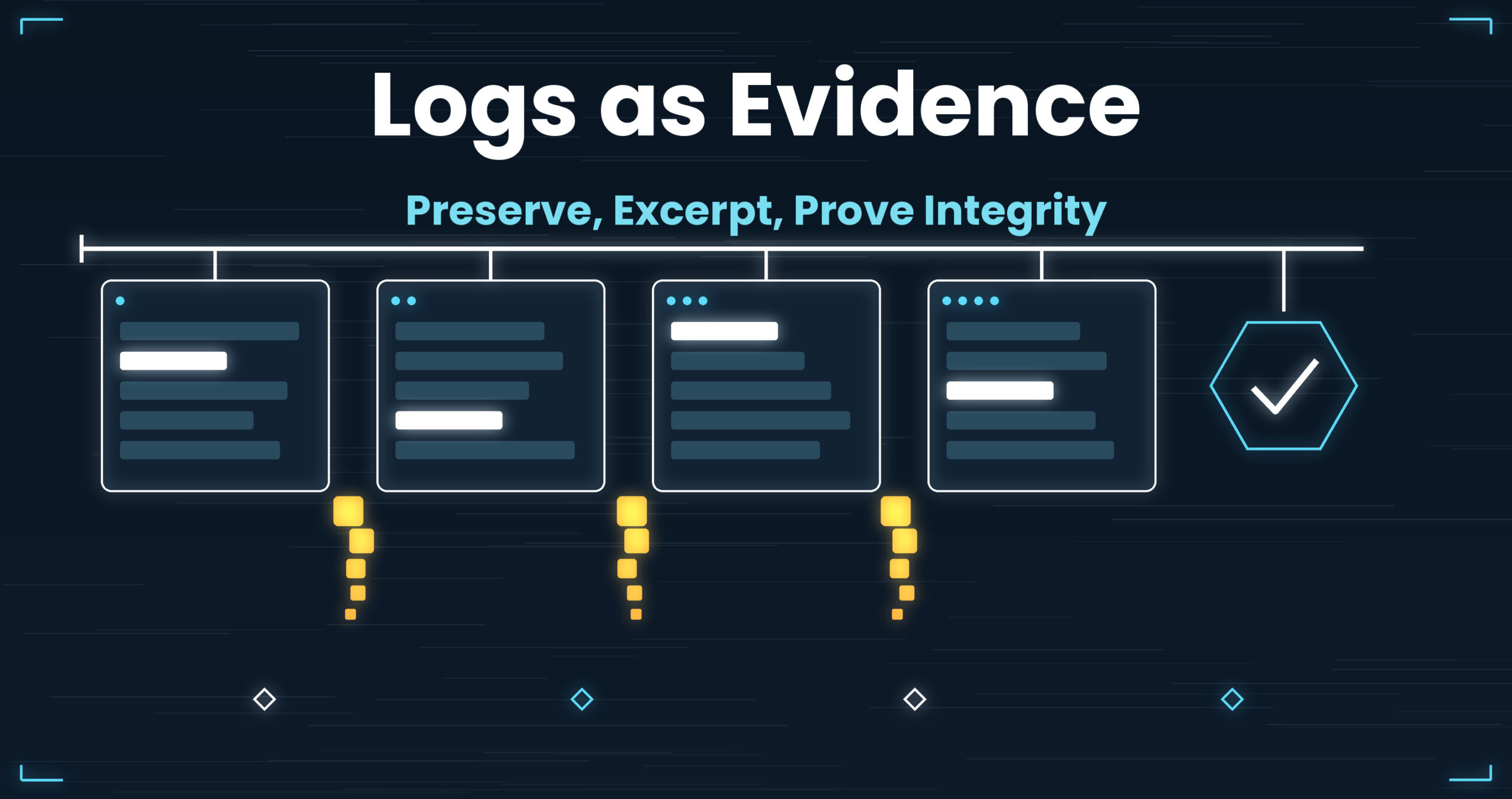
Loss has a shape. There are four of them.
Earlier parts of this series were about how to read. This one is about what comes before that — keeping the thing you’ll read in a form you can later show to someone else. Reboots, rotation, the excerpt you paste into a report, and the question of how you demonstrate that a file wasn’t altered. None of it is glamorous. All of it, done wrong, removes the investigation itself from the table.
- Up front: UwView never writes to the original. It displays and searches from the moment it opens, and it never splits or extracts, so a preserved log stays one file, unmodified. Pro’s drill-down search stacks the narrowing and keeps the original line numbers all the way to the last stage, so you can cite a passage in the form a report needs — “line N of the original.” Everything runs on your own machine; the file is never sent anywhere (measured on one setup; results vary — details at the end)
- 1. Before “a reboot fixed it” — sorting what dies from what survives
- 2. The rotation gap — the moment evidence disappears is already on the schedule
- 3. The “±10 lines” you paste into a report — excerpting without touching the original
- 4. Demonstrating “this wasn’t altered” — what a checksum covers
- What all four had in common
- The tool I use
- Links
Up front: UwView never writes to the original. It displays and searches from the moment it opens, and it never splits or extracts, so a preserved log stays one file, unmodified. Pro’s drill-down search stacks the narrowing and keeps the original line numbers all the way to the last stage, so you can cite a passage in the form a report needs — “line N of the original.” Everything runs on your own machine; the file is never sent anywhere (measured on one setup; results vary — details at the end)
This article assumes the preserved log is already in your hands, or is about to be. Containment, notification, and any judgement about legal admissibility belong to your organisation’s policy and the relevant authorities.
1. Before “a reboot fixed it” — sorting what dies from what survives
Situation
Two in the morning. The service stops responding. You don’t know why, but a reboot brings it back.
The next morning someone asks what caused it. You can’t say. You go looking for the logs, and the window you care about isn’t there — or it’s there with a few minutes missing from the middle.
Why it happens
A reboot is a destructive operation. Not uniformly, though — what dies and what survives divides cleanly.
Almost certainly gone:
- The logging buffer inside the process. Most logging libraries don’t
writeper line; they batch. On a hard kill (power loss, a panic, a forced stop signal), whatever hadn’t reached the disk is gone. That’s the last few seconds to few tens of seconds — which is to say, the part nearest the cause. - The kernel ring buffer. What
dmesgreads gets replaced on reboot unless you’re persisting it. - In-memory scratch space. Directories backed by tmpfs empty out. If journald is
Storage=volatile— including the common case whereautofinds no/var/log/journal— the journal also lives in the in-memory runtime area and disappears with the reboot. - Volatile state. Socket tables, the process tree, open file descriptors, files that were deleted but are still held open. Not logs, but frequently more eloquent than logs.
Surviving: whatever finished landing in /var/log/*, a Storage=persistent journal, already-rotated archives.
So what a reboot takes is precisely the side nearest the cause.
Working with general-purpose tools, and where it stops
There are things you can do in under a minute, before the reboot.
# Have one destination directory ready (e.g. preserve-20260910T031500Z)
D=preserve-20260910T031500Z

dmesg -T                       > "$D/dmesg.txt"
journalctl -b -o short-precise > "$D/journal-thisboot.txt"
ps auxww                       > "$D/ps.txt"
ss -tanp                       > "$D/ss.txt"
cp -a /var/log/app/current.log "$D/"          # copy — not move, not a slice
If your system has a command that lists open file descriptors, capture that output too. And if you have to stop the application, try the clean stop first — given a termination signal, most implementations flush what’s left before they exit. A forced stop is the last resort, for when that doesn’t work.
The point is that it’s cp and not mv, and that nothing is being truncated with tail. At this stage, never shrink anything to a size you can read. You can redo the shrinking as many times as you like later. You cannot undo it once you’ve asked for “the part before that.”
Three limits.
First, taking everything produces something you can’t open. A journalctl -b that runs to tens of gigabytes is not unusual. Preserved, yes; readable, no — which walks straight back into Part 1.
Second, where it lands. On the same disk, you eat the free space of a box that’s already in trouble. On another disk, you spend the minutes you least want to spend.
Third — and in practice this is the one that decides the outcome — whether you can remember the procedure at 2 a.m. A procedure that depends on the memory of someone whose hands are shaking is not a procedure. Which is why, as in Part 10, this belongs in a script: one preserve.sh, somewhere on your path.
2. The rotation gap — the moment evidence disappears is already on the schedule
Situation
The incident was at 03:24. The next day you go to read the log.
app.log exists, but it starts at 03:25. The 03:24 lines should be in app.log.1.gz. You open it and those minutes are simply not there — or, with rotate 8, the file that held them was deleted days ago.
Why it happens
Rotation swaps a file out, and every swap has a seam. The size of the seam depends on the method.
Two logrotate modes, treated separately:
create(the default). The old file ismv‘d, a new one is created, andpostrotatetells the application to reopen (typically by sending it a HUP signal). If the reopen fails, the application keeps writing to the moved inode. The directory shows an emptyapp.logwhile the writes pour intoapp.log.1— a classic “logging just stopped” incident.copytruncate. The contents are copied, then the original is truncated. Nothing has to be told anything, which is why people like it. But lines written between the copy and the truncate land in neither file. Copying several gigabytes takes seconds. At a few thousand lines per second, that’s thousands to tens of thousands of lines.
And the deletion schedule is written down in the config. rotate 8 with daily means eight days; maxage 30 means thirty. Being told “we retain three years” while the machine says eight days is a gap that shows up in real audits — the Part 4 decision about delete, keep, or compress, arriving as a consequence.
Working with general-purpose tools, and where it stops
First, see what will happen before it happens.
logrotate -d app.conf                    # dry run: report, don't act
grep -rn 'rotate\|maxage\|copytruncate\|create' logrotate.d/
Read the config paths as whatever your distribution uses — usually a logrotate.d directory plus the top-level config file above it. When it last ran is recorded in logrotate‘s own state file (logrotate/status).
Then put the copy before the swap.
/var/log/app/*.log {
    daily
    rotate 8
    dateext
    dateformat -%Y%m%d
    delaycompress
    sharedscripts
    prerotate
        cp -a /var/log/app/app.log /archive/app-20260910T031500Z.log
    endscript
    postrotate
        # tell the app to reopen (a service reload, or a HUP signal)
    endscript
}
In practice the timestamp in the staged filename comes from expanding a date command; the example above hard-codes one.
dateext looks like a cosmetic setting and isn’t. Under the numbered scheme, app.log.1 shifts to app.log.2 and the same name refers to different contents over time, so “which day is this app.log.3 from” becomes unanswerable. Put the date in the name and the name becomes a coordinate.
Three limits.
First, the prerotate copy lengthens the rotation itself. Copying 50 GB takes minutes, during which disk I/O saturates and production slows. Land that on top of the nightly batch window and your preservation has manufactured a second incident.
Second, you’ve doubled the space. The instinct is to compress, but searching compressed logs with zgrep is slow — Part 8 covers why: it’s a sequential scan with decompression on the way through.
Third, and heaviest once you think of the file as evidence: the moment you cp, it is a different file. cp -a preserves mtime and atime, but the destination inode is new and its ctime is now. And if you offer mtime as proof that “this was written at 03:24,” touch sets mtime to anything you like. File attributes prove nothing on their own. Which leads to section 4.
3. The “±10 lines” you paste into a report — excerpting without touching the original
Situation
You’ve found the line. “Put the relevant log in the report.” Ten lines either side is enough.
You cut it with sed -n and paste. In review: “what was it doing just before that?” Back to sed. Then: “start twenty lines earlier.” Back to sed. By the third round you’ve lost track of which fragment came from which line number.
Why it happens
Excerpting breaks three things at once.
- The coordinate. Line 1 of the excerpt is line 1, not line 12,034,541.
- The timing of the width decision. How much context you need is knowable only after reading. Excerpting demands the number first.
- Identity. The moment you cut, it isn’t the original. The hash won’t match, and the fragment alone can’t demonstrate that it came from the original at all.
The third one bites when the report leaves the building. “Lines 12,034,541–12,034,561 of the original” is a claim a reader without the original cannot check.
Working with general-purpose tools, and where it stops
You can keep the coordinate.
# Original line numbers survive, with context
grep -n -C 10 'OutOfMemoryError' huge.log > slice.txt

# When you already know the line
awk 'NR>=12034531 && NR<=12034551 {printf "%d: %s\n", NR, $0}' huge.log

# Record where you looked rather than what was there
grep -n 'OutOfMemoryError' huge.log | cut -d: -f1 > hit-lines.txt
The first is the practical winner: original line numbers, plus context.
The limits stay.
First, -C has to be chosen before you type it. You learn that ten wasn’t enough only after reading, and -C 20 reads the file from the top again. Under the I/O-bound ceiling from Part 15, those re-reads accumulate one round trip at a time.
Second, lots of hits make it useless. A hundred hits at 21 lines each is 2,100 lines interleaved with -- separators. Not something you paste into a report. Cap it with -m 1 and you’ve lost the fact that there were others.
Third, prefixing the line number changes the text. 12034541: [ERROR] ... reads well, but that string doesn’t exist in the original — searching for it finds nothing. You bought the coordinate by contaminating the line.
And underneath all three: a fragment becomes evidence only in reference to an original that still exists. What the report actually needs isn’t the fragment, it’s the correspondence — there is an original, and this is line N of it. Holding that correspondence together is the next section.
4. Demonstrating “this wasn’t altered” — what a checksum covers
Situation
You hashed the preserved log.
sha256sum evidence.log > evidence.log.sha256
That felt like the end of it. Then an auditor asks when, and by whom, that hash was computed — and there’s no answer in the file.
Why it happens
A checksum proves that two byte sequences are the same. That is the entire claim. It does not establish:
- When it was taken. The mtime of the
.sha256is writable. So is any date you typed inside it. - Who took it. A hash has no author.
- That the hash itself is authentic. If
evidence.logandevidence.log.sha256sit in the same directory, anyone who can rewrite the log can rewrite the hash. A hash stored beside the file is a lock with the key left in it. - That the contents are true. If the application logged a lie, the hash matches the lie perfectly.
So sha256sum on its own says exactly one thing: nothing has broken, in my hands, since the moment I ran this. Tamper resistance doesn’t come from the strength of the hash function. It comes from where you put the hash.
Working with general-purpose tools, and where it stops
Two moves: separate the storage, and add time and authorship.
# 1) Take them together — a manifest, not one file at a time
find /archive -type f -name '*.log*' | sort | xargs sha256sum > manifest-20260910T031500Z.sha256

# 2) Verification is one line
sha256sum -c manifest-20260910T031500Z.sha256

# 3) For compressed logs, hash the *contents*
gzip -dc app.log.gz | sha256sum
Where filenames may contain spaces, use the null-terminated options of find and xargs. And to add the “who”, attach a detached signature to the manifest (GnuPG, or whatever key management your organisation already runs). A hash has no author, so this is the field nothing else fills in.
The third is the one people miss. gzip writes the original filename and mtime into its header, so compressing identical content twice produces two different .gz hashes. Compression level and implementation (gzip / pigz / a given zlib) change it too. Record only the .gz hash in your ledger and, the first time anyone recompresses, you get a mismatch that means nothing and a scare that costs a day. Record the hash of the contents. (gzip -n drops the name and mtime and stabilises the .gz side, but hashing the contents is the safer habit.)
Separation can be bought at whatever price you can afford: ship it to another host, write it to append-only storage, commit it somewhere with real history, print it and seal it, or attach a third-party timestamp (RFC 3161). What they share is one property — the authority to rewrite the log and the authority to rewrite the hash are held by different people, in different places.
Two limits.
First, all of it requires ongoing operation. Doing it once and finding six months later that nobody kept it up is the most common ending.
Second, and this one is structural: hash late and you can say correspondingly little. A hash taken three days after the incident attests only to the three-days-later-onward state. Which puts the right moment for hashing in the same place as section 1’s “before the reboot.” Preservation and integrity aren’t two jobs. They’re two motions inside the same sixty seconds.
What all four had in common
| Principle | When the evidence is lost | Direct cause | General-purpose response | What remains |
|---|---|---|---|---|
| Preserve | Reboot, hard kill | Unflushed buffers and volatile storage | Dump before rebooting; cp, never mv |
Too big to read afterwards; nobody remembers the steps at 2 a.m. |
| Stage | The rotation seam | The copytruncate gap; the rotate N deadline |
logrotate -d first; cp in prerotate |
Double the I/O and space; cp changes the inode, so attributes prove nothing |
| Excerpt | The moment it’s pasted into a report | Coordinate, width, and identity lost together | grep -n -C; awk with NR prefixed |
Width chosen up front; a fragment alone can’t be verified |
| Prove integrity | When the hash wasn’t stored separately | A hash only asserts byte equality | Manifest + separated storage + signature | Taken too late; .gz hashes shift on recompression |
The four look like four unrelated jobs, owned by different people at different hours. The reason the right-hand column rhymes is that all four lose something other than what they touched, at the instant they touch the original.
mv loses the location. truncate loses the seam. Excerpting loses the coordinate. Recompressing loses the hash. Pushed far enough, there’s only one principle: handle the original as the original, and take what you need without changing it.
Three conditions follow.
- Never write to it, split it, or cut pieces out of it. A tool that has to shrink a file before it can show it to you is the wrong tool here — the shrink triggers all three of section 3’s losses at once.
- Narrow while keeping the original coordinate. The number has to survive to the end, in the form a report needs: “line 12,034,541.” Stacking a second filter must not renumber anything.
- Assume you’ll reopen the same file many times. A preserved log is not read once. It’s read the day you write the report, the day review sends it back, and the day the auditor asks. The same tens of gigabytes, reopened across days.
Back to the thirty-eight minutes. The reboot didn’t really take them. What took them was not having decided, beforehand, what the sixty seconds before a reboot are for.
The tool I use
UwView (free), which I develop, displays, scrolls, and searches huge text from the moment it opens. It doesn’t load the whole file into memory, so files larger than RAM open fine. The index is built in the background and line numbers appear when it finishes.
Of the three conditions above, the free version covers the first outright.
- It never writes to the original. Nothing is split, nothing is extracted, so the log you
cp‘d in section 1 stays one file, unmodified. Because “shrink it to read it” stops being necessary, section 3’s three losses stop having an occasion to happen. - Highlighting colours lines rather than removing them. You sort by colour instead of excluding, so “the thing I needed was inside what I filtered out” doesn’t arise.
- All processing is local. The file is never transmitted anywhere. On preserved logs, where whether data may leave the building is itself the question, that’s often a precondition rather than a feature.
- Encoding switches while the file stays open (UTF-8 / Shift-JIS(CP932) / EUC-JP / UTF-16, auto-detected). No
iconvin the pipe, so no second copy on disk (Part 3).
Conditions two and three are what UwView Pro adds.
- Drill-down search: narrow a result by another term, then another. Tabs carry
term (count), and the original line numbers survive to the last stage — so section 3’s “the coordinate dies at stage two” doesn’t happen, and the excerpt you paste can carry “line N of the original.” A right-click history lists, in order, which term matched at which line (implementation write-up). - ±N is independent per stage: ±1 while narrowing, ±20 on the stage you actually read — the width is changeable after the fact. Section 3’s “discover that
-C 10was too small, then rungrepagain” disappears (free version is fixed ±1; variable ±N is Pro). - Sequence search: match only where
w1 → w2 → w3appear in that order. Section 1’s “clean stop attempted → failed → hard kill” becomes the query itself (implementation write-up). One honest note: each stage scans the body from the previous stage’s position, so it takes about as long as a full-text search. - It saves the index and the compression: from the second open onward the file opens instantly, with line numbers (0.02–0.07 s measured on a 47.73 GB text file; one setup, results vary). That lands directly on the third condition — a preserved log reopened across days.
- ~1/9 storage, still searchable: aimed straight at section 2’s doubled disk usage. Search goes through the compressed cache, so there’s no
zgrep-style decompress-as-you-scan on every query (Part 8).
There’s one feature that touches section 4. The sidecar Pro builds (.uwvz) carries an XxHash3 table per compressed block and verifies on every decompression. It also checks the offset table for sanity on open (monotonic, final offset equal to the real file length), so bit rot in storage or a copy that was cut short won’t slip past you unnoticed.
This is not tamper detection, though. XxHash3 is a non-cryptographic hash chosen for speed; it isn’t designed to resist deliberate rewriting. What section 4 needs is sha256sum and separated storage. This check exists to catch accidents — bit rot, a bad transfer, a truncated file. Don’t conflate the two.
The honest limits
UwView is a viewer. It is not a SIEM and not a forensic suite.
- It doesn’t take section 1’s dumps. Writing
preserve.shis your job. - It doesn’t configure
logrotateand doesn’t run section 2’s staging. - It doesn’t compute hashes, doesn’t sign, and doesn’t record chain-of-custody (who opened what, when). It is not a place to keep an evidence ledger.
- No automated cross-log correlation, no threat-intel matching, no alerting, no report generation.
- Disk images and memory dumps are out of scope entirely.
One more constraint, stated plainly because it matters to people handling evidence: Pro’s sidecar (.uwvz) is created as a new file next to the original. The original itself doesn’t change by a single byte, but if your procedure is that nothing may be added to the preservation directory, copy the original into a separate working area before opening it. (The sidecar carries the original’s length and last-modified time as its validation key, so if the original ever changes, the sidecar invalidates itself.)
What this tool covers is the step before all of that: reading a preserved raw log as it is, locally, with the original coordinates intact, using your own eyes. If your scale calls for correlation and alerting, that’s a different product’s job.
For completeness: non-destructive diff editing (Edit Upgrade) exists as a separate licence, but every one of the four principles above is read-only work. What you need here is the View side.
The same things, from the command line
v1.6.0 added a uvp command (and uvf for the free build). It uses the same .uwvz as the GUI, so an index built from the shell is already there when you open the file in the app. Mapped onto this article’s four parts:
# Part 1: read the preserved dump as-is, with 20 lines either side, writing nothing
uvp preserve-20260910T031500Z/journal-thisboot.txt 'OutOfMemoryError' -C 20

# Part 2: once the staged log is a .uwvz, you search it without expanding it
uvp /archive/app-20260910T031500Z.log.uwvz 'copytruncate'

# Part 3: the excerpt for the report — redo it at any width, reading only
uvp huge.log 'OutOfMemoryError' -C 40 -out report-slice.txt

# Part 3, continued: hand it to the GUI and widen with the original line numbers intact
uvp huge.log 'OutOfMemoryError' 'GC overhead' -C 40 -open

# Part 4: restore the original form byte-for-byte (free); the hash is still yours to take
uvp /archive/app-20260910T031500Z.log.uwvz -extract -out restored/
Exit codes are grep’s — 0 found, 1 not found — plus 2 when a limit is hit and the output is cut off (no limit by default; only when you set one with -limit N). Put if uvp "$D/journal-thisboot.txt" 'OutOfMemoryError'; then inside section 1’s preserve.sh and you can confirm the line is in there the moment you’ve staged it. And to be clear: uvp does not compute hashes and does not sign. Section 4 still needs sha256sum and separated storage.
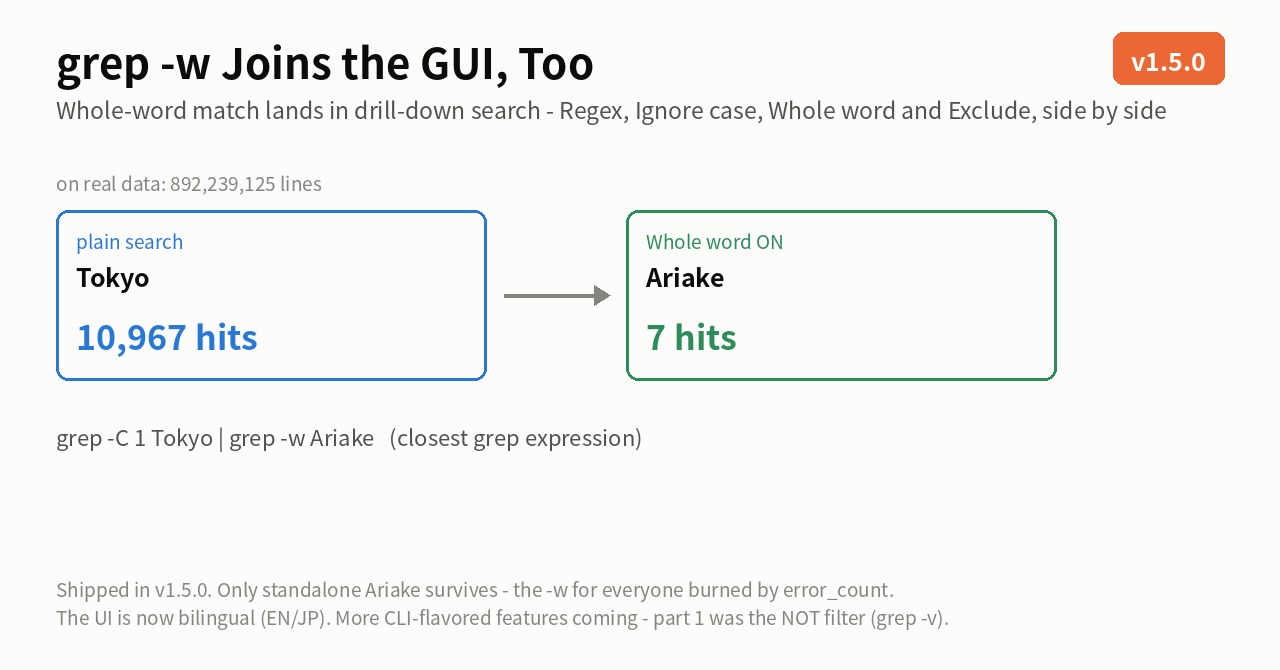
Stated honestly: on the first question uvp is a little slower than ripgrep — it builds its .uwvz (a compressed cache plus index) first, 59.0 s against 54.9–55.8 s at 50 GB, 6–7%. In v1.6.6.1 it searches while building the index instead of re-reading it afterwards, which cut 6.7 s. It starts paying from the second question: the same 50 GB search takes 6.6 s against ripgrep’s 55–57 s — 8.4×. On a small file such as 3 GB the two are level, because an index has little to earn there. The free uvf is level with ripgrep at every size (the measurements; Mac M4, external USB SSD, OpenStreetMap XML — one setup, results vary).
And if a huge log is eating your disk and you want it compressed for storage while staying searchable at speed, give UwView Pro a look — persistent index, compressed-cache search, and ~1/9 storage make both reopening and searching a step faster (all OS, one-time or monthly).
Links
- Part 1: four go-to tools that sink under huge files: https://uvp.y42u.net/en/blog/uwview-ps01-huge-file-tool-limits-en/
- Part 3: four character-encoding traps and how to isolate them: https://uvp.y42u.net/en/blog/uwview-ps03-japanese-encoding-traps-en/
- Part 4: deciding between delete, keep, and compress: https://uvp.y42u.net/en/blog/uwview-ps04-log-retention-decision-en/
- Part 6: picking traces out of tens of millions of auth-log lines: https://uvp.y42u.net/en/blog/uwview-ps06-intrusion-triage-auth-logs-en/
- Part 7: four ways to read a timestamp as a weapon: https://uvp.y42u.net/en/blog/uwview-ps07-timestamp-driven-triage-en/
- Part 8: keeping logs compressed and still searchable: https://uvp.y42u.net/en/blog/uwview-ps08-compressed-archive-search-en/
- Part 10: four things to set up for the you of 2 a.m.: https://uvp.y42u.net/en/blog/uwview-ps10-oncall-night-preparation-en/
- Part 13: four techniques for inspecting huge data: https://uvp.y42u.net/en/blog/uwview-ps13-huge-data-inspection-en/
- Part 14: the traces are in the raw log: https://uvp.y42u.net/en/blog/uwview-ps14-attack-traces-raw-logs-en/
- Part 15: four limits of command-line craft: https://uvp.y42u.net/en/blog/uwview-ps15-cli-craft-limits-en/
- We shipped a
uvpcommand (measured against ripgrep): https://uvp.y42u.net/en/blog/uvp-cli-release-vs-ripgrep-en/ - Drill-down search — narrowing a result by another term: https://uvp.y42u.net/en/blog/uvp-drilldown-search-en/
- Sequence search — finding only what appears in that order: https://uvp.y42u.net/en/blog/uvp-sequence-search-en/
- Why search results moved into a separate window: https://uvp.y42u.net/en/blog/uwview-filter-popup-jump-save-context-en/
- Archive plus session restore, as a working flow: https://uvp.y42u.net/en/blog/uwview-archive-session-restore-workflow-en/
- Source code (GitHub): https://github.com/amru195704/UwView
From the developer: a full list of my apps, Kindle books, and open-source work is on GitHub: amru195704.
A note
This article is provided for reference and makes no guarantee of accuracy or completeness. Actual incident response, evidence preservation, and audit work must follow your organisation’s policy and applicable law and regulatory guidance. Nothing here is advice about legal admissibility. Times, line numbers, and filenames are illustrative and do not describe any real case. The behaviour oflogrotate,journalctl,sha256sum,gzip, andgrepvaries by implementation (GNU/BSD/busybox), version, build options, and distribution defaults — check option names and defaults against your ownmanpages. Measured figures come from one specific setup and are not a guarantee of the same result. Disk type, filesystem, fragmentation, encryption, page-cache state, and concurrent load all change the outcome substantially. If you spot an error, a comment is welcome and I’ll check and correct it.