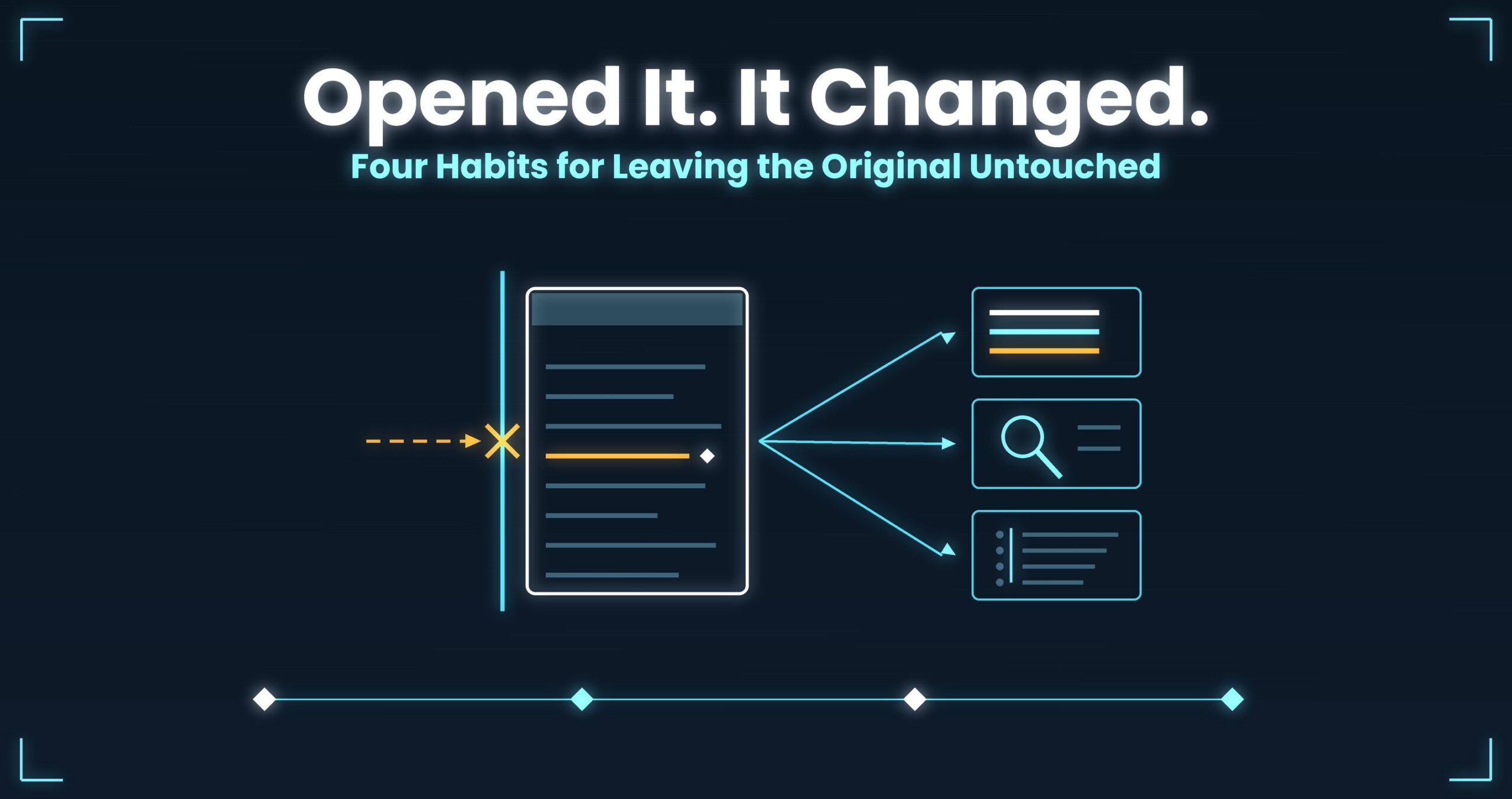
You opened it. It grew by three bytes.
That log file — is it still the same file after you read it?
Operations you think of as “reading” turn into “writing” more often than you’d guess.
Leave the original untouched: it gets quoted as the first principle of forensics. But in everyday log work it doesn’t break during incident response — it breaks in the middle of ordinary tasks. Four scenes here: a file that changes just from being opened, “fixing” mojibake, handing a log to someone new, and postmortems with no actual evidence in them. Each starts from why the habit gives way.
- Up front: UwView never writes to the original’s bytes. It displays and searches from the moment you open the file, and it doesn’t split, extract or convert anything — so reading leaves the file exactly as it was. Encodings switch while the file stays open, with no rewritten copy, and Pro’s drill-down search keeps the original line numbers through the last stage, so a postmortem can say which file and which line (measured on one specific setup; results vary — details at the end)
- 1. You only opened it. The file changed anyway
- 2. Can a mojibake log be evidence?
- 3. The first thing to teach someone new isn’t how to open it
- 4. The postmortem has no actual evidence in it
- What the four had in common
- The tool I use
- Links
Up front: UwView never writes to the original’s bytes. It displays and searches from the moment you open the file, and it doesn’t split, extract or convert anything — so reading leaves the file exactly as it was. Encodings switch while the file stays open, with no rewritten copy, and Pro’s drill-down search keeps the original line numbers through the last stage, so a postmortem can say which file and which line (measured on one specific setup; results vary — details at the end)
This article is about working habits. How you must handle, preserve and move logs is governed by your organisation’s policy, your client’s, and applicable law. If an incident may end up in a legal process, don’t improvise — go through your designated channel.
1. You only opened it. The file changed anyway
Situation
You open a log in an editor to investigate. You type nothing. You close it.
The next day, a colleague who verifies checksums pings you.
“The hash on this file changed.”
News to you. You didn’t write anything.
Why it happens
Most tools don’t separate “open” from “edit.”
A file can change even when closing it never prompts you to save. The usual suspects:
- A BOM gets added — save as UTF-8 and some tools prepend three bytes (
EF BB BF). Not one character of content changed; the byte sequence did - Line endings get normalised — open a file with mixed CRLF and save, and everything becomes one or the other. Same line count, different bytes on every line
- A trailing newline appears — “files should end with a newline” is on by default in several editors. If the last line was genuinely cut off mid-write, that fact is now gone
- Timestamps move — saving changes
mtime. Even without saving, some setups moveatime. The evidence you’d use to reason about when the log was last written is gone
Then there are the reflexes that creep in during an investigation:
# Tidying up to read more easily. The original is replaced
sed -i 's/\r$//' app.log

# You only wanted to look for duplicates. You overwrote the file
sort app.log -o app.log
sed -i says “in place,” but it writes a temp file and swaps it in. The inode changes, so hard links break and permissions or extended attributes can fall back to defaults. There’s no undo.
What general tools do, and where they stop
Work on a copy, and make the original unwritable.
# Hash the original first, so you can compare before and after
sha256sum /var/log/app/app.log | tee evidence/app.log.sha256

# Make it read-only
chmod a-w /var/log/app/app.log

# Investigate on a copy, preserving attributes
cp -p /var/log/app/app.log /work/app.log

# Check afterwards that nothing about the original moved
stat -c '%n %s %y %i' /var/log/app/app.log
This works. The habit of copying first prevents most accidents on its own.
Three limits.
First, a copy needs as much free space as the original. Clearing 40 GB to investigate a 40 GB log isn’t always realistic when the file already lives on an external disk because you were short on space. If it’s stored compressed, expanding it needs several times more again (Part 23).
Second, chmod a-w isn’t absolute. Root writes anyway. On network shares and cloud storage, permissions mean something different. The comfort of “I made it read-only” can be out of step with reality.
Third, surprisingly few tools genuinely open read-only. Plenty of things calling themselves viewers drop index files or session files next to the target. The original itself is untouched, but the contents of the directory you’re preserving have changed — and in a preservation procedure, that’s a change you’ll be asked to explain.
2. Can a mojibake log be evidence?
Situation
A log inherited from an old system has garbled text in it.
You run iconv, save a readable version, and get on with the investigation.
A few lines that couldn’t be converted quietly disappeared.
Why it happens
Conversion is one-way, and its defaults fail silently.
Mojibake usually doesn’t mean the bytes are broken. The bytes are exact; only the interpretation is wrong. Shift_JIS bytes rendered as UTF-8 look like garbage, but nothing in the file has been lost.
The damage comes from “fixing and saving.”
iconv -cdrops bytes it can’t convert — characters vanish, lines shorten, sometimes a line disappears entirely. No error//TRANSLITsubstitutes lookalikes — “〜” becoming “~” is readable, but it isn’t what the log said- A single flag can’t handle a mixed file — one log can carry UTF-8 lines from the application and CP932 lines from the OS. The moment you pass a file-level
-f, one of them breaks - The hash changes — once converted and saved, it’s a different file. You can no longer show it wasn’t altered (Part 16)
Which means: a mojibake log is evidence as long as it stays mojibake, and stops being evidence the moment you make it readable.
What general tools do, and where they stop
Convert for display only. Never save.
# Send it to stdout. Create no file
iconv -f cp932 -t utf-8 app-2019.log | less

# Guess only — convert nothing
nkf --guess app-2019.log

# Look at the raw bytes where it breaks
sed -n '284512p' app-2019.log | xxd | head -5
You can reach a verdict. Go down to xxd and you can tell Shift_JIS from UTF-16 from genuinely broken bytes.
Three limits.
First, the pipe throws away the original line numbers. iconv | grep -n numbers the converted stream. The coordinate you want in a report belongs to the original, so you count again.
Second, mixed encodings have no answer here. No standard tool switches encoding per line within one file. You end up reading one half garbled (Part 3, Part 11).
Third, search only matches after conversion. Searching in Japanese requires converting; converting shifts the numbering. “Search the original, as it is, in Japanese” doesn’t exist on this path.
3. The first thing to teach someone new isn’t how to open it
Situation
You hand the investigation to a new team member. “Have a look either side of the error in this log.”
Half an hour later: “I couldn’t open it.”
The worse outcome is when they could. They opened it in whatever editor was at hand, sorted it to read more easily, and saved.
Why it happens
What gets taught is procedure, not practice.
“Type this grep” transfers fine. Three things before it don’t.
- The prohibition isn’t built into the tool — “don’t modify the original” travels by word of mouth; the tool enforces nothing. Saving is still one keystroke away, and the only safeguard is attention
- The instinct for where to look can’t be handed over — an experienced eye is watching how
WARNclusters, or the rhythm of timestamps going uneven. That’s where to look, not a command. Give someone a one-liner and you’ve handed over the result, not the process - Nothing records why that line was suspected — what survives an investigation is the conclusion. Hypotheses tried and discarded evaporate. A newcomer learns the winning move and never learns how to be wrong
So training reverts to sitting next to them and showing. Not because it’s efficient, but because there’s no other shape to hand it over in (Part 22).
What general tools do, and where they stop
Runbooks and scripts are the practical answer.
# Give them an entrance that isn't the original
alias applog='less -S /work/readonly/app.log'

# Put the recurring angles in a script — it doubles as teaching material
grep -n -E '\[(ERROR|FATAL)\]' /work/readonly/app.log | head -50

# Leave the "why here" as a comment
#   → is WARN getting denser in the five minutes before?
grep -n -E '\[WARN\]' /work/readonly/app.log | awk -F'[: ]' '{print $1, $2}' | uniq -c
The floor rises. Making a read-only copy the entrance all but eliminates accidental overwrites.
Three limits.
First, colouring and points of attention don’t travel. A runbook can say “watch WARN”; it can’t convey what the screen looked like. The expert’s screen and the newcomer’s screen stay different views of the same file.
Second, scripts contain only the answers. Failed hypotheses never get committed. What’s learned is replay, not judgement.
Third, runbooks go stale. Log formats change, scripts break, broken scripts lose trust — and it’s back to word of mouth.
4. The postmortem has no actual evidence in it
Situation
You open the postmortem document.
Under the root cause there’s a screenshot of the log. It’s cropped, and the line numbers aren’t in frame. Neither is the filename.
Six months later, a similar incident. Nobody can say which part of last time’s log was the one.
Why it happens
Attaching the real thing costs more than pasting a processed fragment.
You can’t attach a 40 GB log to a document. So somebody cuts out the relevant part, and three things happen at once.
- The context gets frozen — the range you cut becomes the range that was ever looked at. Wondering later about the two minutes before it, you can’t go back from the document
- The link to the original is severed — screenshots have no coordinates. Even with line numbers in frame, if the original has been recompressed or rotated since, the numbers no longer line up
- The original expires first — documents live for years; log retention is often months. By the time you want to verify, the file is gone
Postmortems rarely carry the real thing not because people don’t care, but because nothing except a screenshot is offered as a way to point at it.
What general tools do, and where they stop
Cut with coordinates, and attach enough to identify the original.
# Pull the surrounding lines with numbering
sed -n '41284440,41284470p' app.log | cat -n

# More precisely: keep the original line numbers
awk 'NR>=41284440 && NR<=41284470 { printf "%d\t%s\n", NR, $0 }' app.log

# Record what identifies the original alongside it
sha256sum app.log; stat -c '%n %s %y' app.log
The document gets better. Just writing “this file, this line” lets future-you find the way back.
Three limits.
First, that awk reads every line, every time. Cutting near the end of a 40 GB file is a full scan. Each “let me see a bit more” costs the same wait again, which creates pressure to cut greedily in one go — and greedy excerpts make documents unreadable.
Second, line numbers move when files are saved differently. Recompress, concatenate or convert the encoding, and the number means something else. Writing the number assumes the original survives in the same shape.
Third, an excerpt isn’t a reproduction of the investigation. What’s preserved is the result, not the search that found it. Next time, you rebuild the query from scratch.
What the four had in common
| Scene | Habit that gives way | Why | What general tools do | What’s left |
|---|---|---|---|---|
| Opened, and changed | Reading becomes writing | “Open” and “edit” aren’t separated | Copy, chmod a-w, hashes |
Copies need space. Tools write nearby |
| Mojibake | Making it readable | Conversion is one-way and silent | iconv to stdout, xxd |
Line numbers lost. Mixed files unsolved |
| Onboarding | Back to word of mouth | Attention points and dead ends can’t be handed over | Read-only copy, runbooks | Colouring doesn’t travel. Judgement doesn’t |
| Postmortem | Screenshot instead of evidence | No way to point at the real thing | Numbered excerpts, hashes | Full scans. Numbers drift |
In all four, what’s broken is the boundary between the original and your observations.
The original is the fact itself: it must not be rewritten. Observations — where you looked, how it appeared, what you filtered on — are the part worth keeping and handing on. But the tools at hand put both in the same place. Convert and save so you can read it. Sort and overwrite so it’s tidier. Screenshot so you can show where to look. Every one of those is an attempt to write an observation onto the original.
Which leaves two conditions.
- Reading changes not one byte of the original — including the conversion done for display and the index built for speed, both of which belong outside the file
- Observations survive outside it, with the original’s coordinates intact — line numbers, colours and search conditions, saved and reproducible without processing the file
Back to the three bytes at the top. That wasn’t an accident. It was using a writing tool to do some reading.
The tool I use
UwView (free), which I develop, is a viewer that displays, scrolls and searches huge text files from the moment you open them. It never loads the whole file into memory, so files larger than RAM open fine. The index is built in the background, and line numbers appear once it’s done (most other viewers show you only the head until their index finishes).
- It doesn’t write to the original’s bytes: straight at chapter 1. No BOM added, no line endings normalised, no trailing newline supplied. It doesn’t split or extract either, so the original stays one file, unmodified
- Encodings switch while the file stays open, with no rewritten copy (UTF-8 / Shift-JIS (CP932) / EUC-JP / UTF-16, auto-detected). Chapter 2’s “convert and save” disappears, so making it readable doesn’t change the hash
- Colour rules are saved as display settings: chapter 3’s teaching material lives here. “WARN in yellow, that thread ID in cyan” — the way of looking itself — travels without processing the file
- Everything runs on your own machine. The log you’re investigating is never sent to an outside service
Beyond that is UwView Pro territory.
- Drill-down search keeps the original line numbers through the last stage: straight at chapter 4. However many times you narrow, “which line of the original” survives — so a postmortem can carry a coordinate instead of a screenshot (drill-down search)
- Save the search conditions and reopen that state later: this covers both chapter 3’s “the process doesn’t travel” and chapter 4’s “the query isn’t preserved.” The conditions become an artefact, so handing them to someone new and reproducing them yourself in six months are the same operation (archive × session restore)
- The index and compression are saved as
.uwvz: a file you’ve opened once reopens with line numbers still attached in 0.02–0.07 s (measured on a 47.73 GB text file; one specific setup, results vary). Chapter 4’s “let me see a bit more” gets cheap, so there’s no reason to cut greedily
Honestly, though: UwView is not an evidence-preservation tool.
- It doesn’t replace the procedure. Hashing, custody and witnessing are still yours to do. It is not a substitute for chapter 1’s
sha256sum - It doesn’t detect tampering. There’s no feature that tells you whether the file you opened is authentic
.uwvzis a separate file from the original. If your process requires the original’s directory to stay byte-identical, point the cache somewhere else. “Writes nothing nearby” is not a claim I can make- It doesn’t repair mojibake. It switches interpretation so you can read; genuinely broken bytes stay broken
- Sharing colour rules means passing a file around. There’s no mechanism to push them to a whole team
- It handles text. Binary dumps and database files are out of scope
The same things, from the command line
v1.6.0 added a uvp command (uvf in the free version). It uses the same .uwvz as the GUI, so an index built on the CLI still counts in the GUI. Mapped onto this article’s four chapters:
# Ch.1: confirm what's inside without opening it — the original's bytes stay put
uvp /work/readonly/app.log 'FATAL'

# Ch.2: look at a suspected mojibake spot in context, converting nothing to disk
uvp app-2019.log 'ERROR' -C 3

# Ch.3: hand over "where to look" as a condition, not as a result
uvp app.log -uniq '\[([A-Z]+)\]' -head 20

# Ch.4: write out the excerpt for the postmortem without touching the original
uvp app.log 'OutOfMemoryError' -C 5 -out postmortem/2026-09-18-oom.txt.gz

# Line-number jumps and encoding switching are GUI features. Hand it over here
uvp app.log -open
Exit codes follow grep — 0 = found, 1 = not found — plus 2 = stopped at a limit (unlimited by default; only when you set -limit N). if uvp app.log 'FATAL'; then works as written, so chapter 1’s “check before you touch it” drops into a procedure.
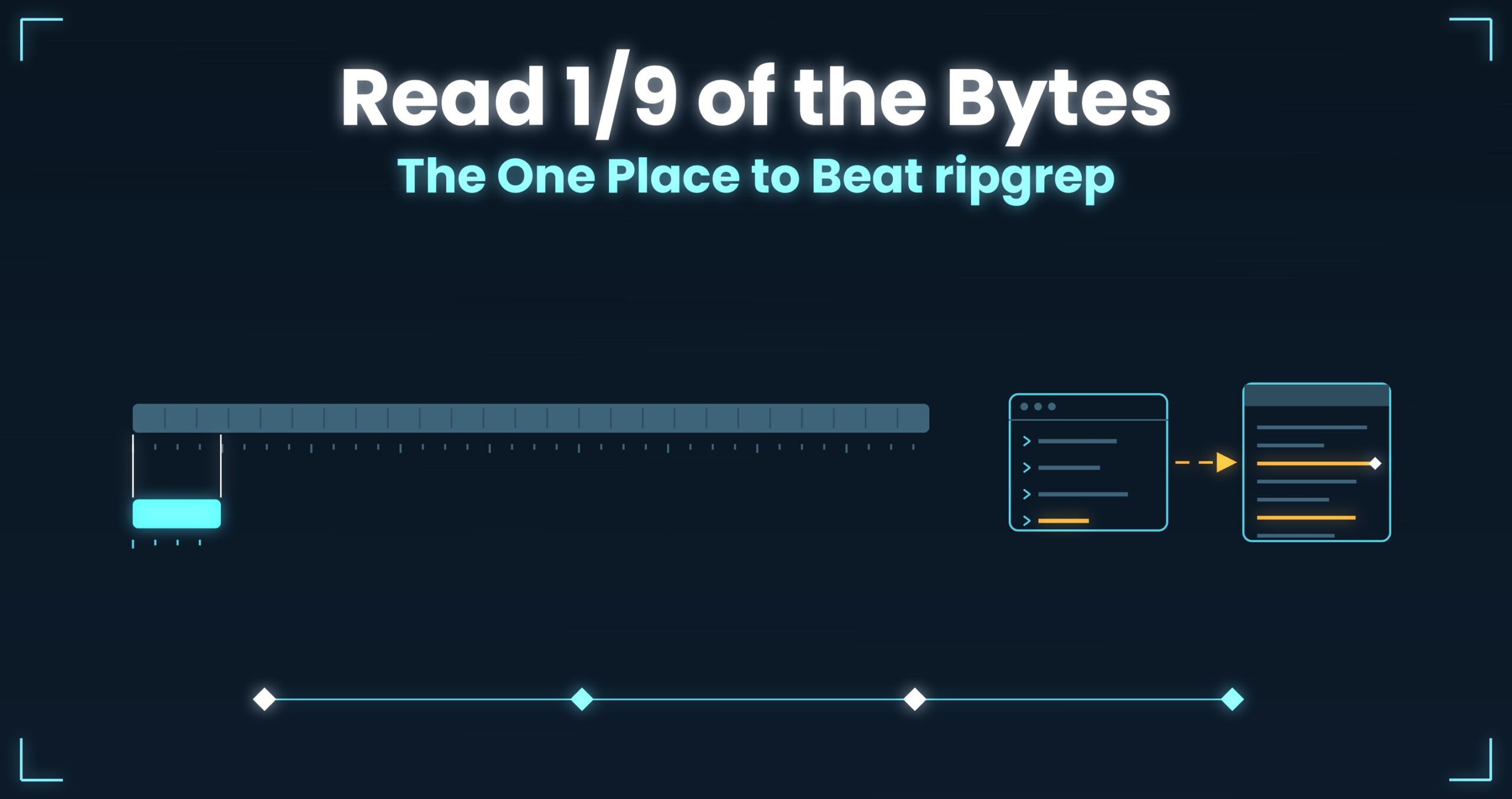
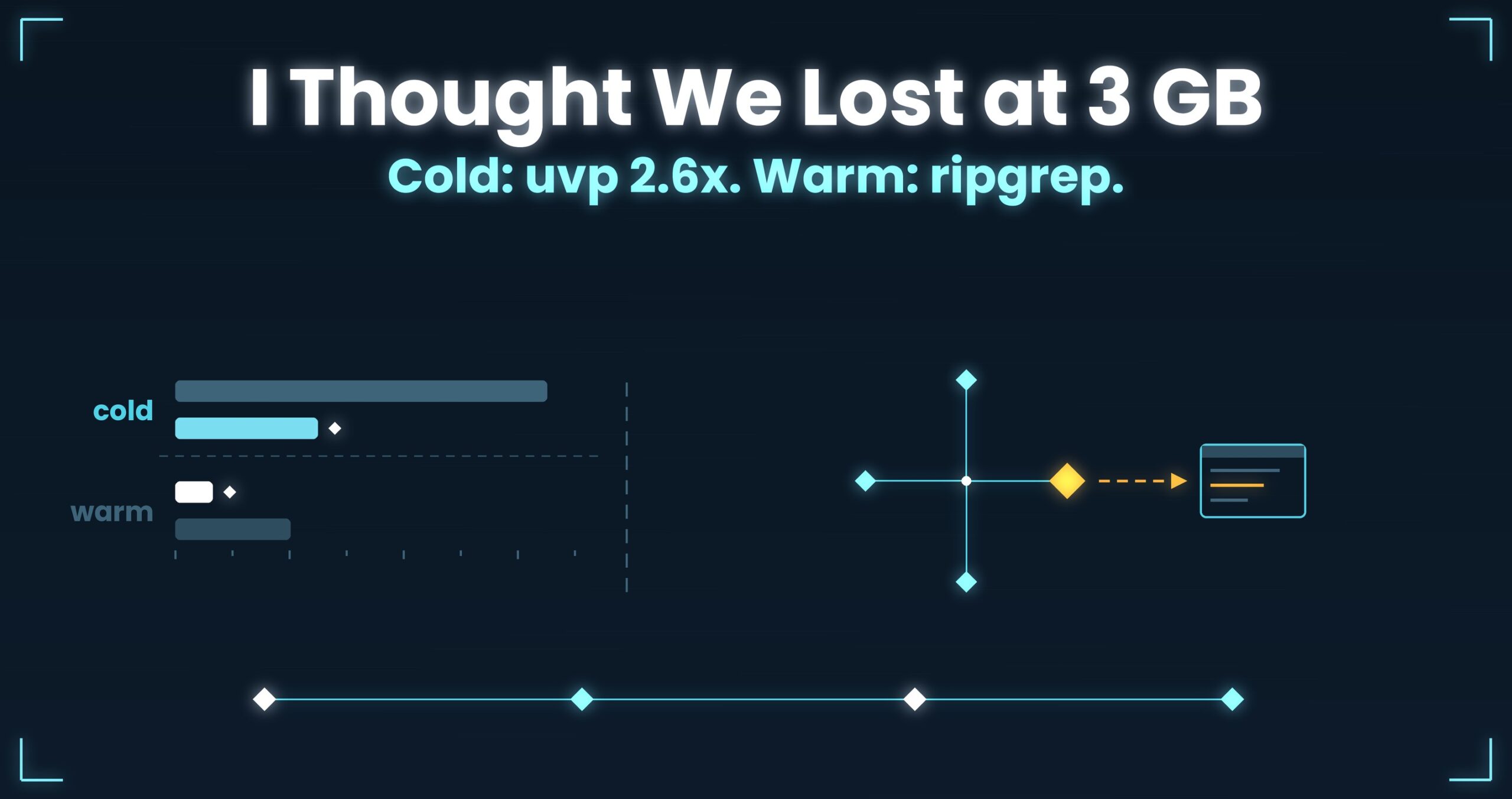
Honestly: on the first question uvp is a little slower than ripgrep — it builds its .uwvz (a compressed cache plus index) first, 59.0 s against 54.9–55.8 s at 50 GB, 6–7%. In v1.6.6.1 it searches while building the index instead of re-reading it afterwards, which cut 6.7 s. It starts paying from the second question: the same 50 GB search takes 6.6 s against ripgrep’s 55–57 s — 8.4×. On a small file such as 3 GB the two are level, because an index has little to earn there. The free uvf is level with ripgrep at every size (measurements; Mac M4, external USB SSD, OpenStreetMap XML — one setup, results vary).
What it does is let you read without changing the original, point at a place using the original’s coordinates, and keep a way of looking that can be applied again. If your postmortems currently hold nothing but screenshots, start by writing which file and which line.
- And if a huge log is eating your disk and you want it compressed for storage while staying searchable at speed, give UwView Pro a look — persistent index, compressed-cache search, and ~1/9 storage make both reopening and searching a step faster (all OS, one-time or monthly).
Links
- Part 1 — Four standard tools that sink under a huge file: https://uvp.y42u.net/en/blog/uwview-ps01-huge-file-tool-limits-en/
- Part 3 — Four encoding traps and how to tell them apart: https://uvp.y42u.net/en/blog/uwview-ps03-japanese-encoding-traps-en/
- Part 11 — Reading legacy encodings in 2026: https://uvp.y42u.net/en/blog/uwview-ps11-legacy-encoding-euc-utf16-en/
- Part 16 — Four principles for logs as evidence: https://uvp.y42u.net/en/blog/uwview-ps16-log-as-evidence-en/
- Part 22 — Four habits of a team that can hand it over: https://uvp.y42u.net/en/blog/uwview-ps22-shareable-log-investigation-en/
- Part 23 — Generation rules and a housekeeping policy: https://uvp.y42u.net/en/blog/uwview-ps23-log-retention-automation-en/
- Reopen it tomorrow right where you left off (archive × session restore): https://uvp.y42u.net/en/blog/uwview-archive-session-restore-workflow-en/
- Drill-down search: https://uvp.y42u.net/en/blog/uvp-drilldown-search-en/
- We shipped a
uvpcommand (measured against ripgrep): https://uvp.y42u.net/en/blog/uvp-cli-release-vs-ripgrep-en/ - Source code (GitHub): https://github.com/amru195704/UwView
From the developer: A full list of my apps, Kindle books and open-source work lives at GitHub: amru195704.
A note
This article is provided for reference and makes no guarantee of accuracy or completeness. The log excerpts, line numbers, file sizes and hash-checking steps are illustrative and do not refer to any real system or engagement. Command examples may need adjusting for your environment (GNU vs BSD, differences amongstat,sed,iconvandnkf, and your shell). Always confirm option names and defaults against your localman. How an editor treats BOMs and line endings on save depends on the product and its settings, and whetheratimeis recorded depends on mount options. Figures described as measured come from one specific setup and are not a guarantee of the same result; disk type, connection, filesystem, page-cache state and concurrent processes change outcomes substantially. Evidence-preservation procedures, and how logs may be handled or moved, are governed by your organisation’s policy, your client’s, and applicable law. Where a matter may become a legal process, do not treat this article as a basis for acting alone — go through your designated channel and consult a professional. If you spot an error, please leave a comment and I’ll check and correct it.